Codonics Virtua User’s Manual 3-39
Setting Up the Software
5. Test the Retrieve functionality: With one or more results in the
Query/Retrieve list, touch one of the listed studies to select it.
Then touch the
Retrieve
button to execute the retrieve.
The
Studies
tab displays. Within a few seconds, the selected
study should display in the Studies list, with the status
“Receiving.”
If the study does not appear in the Studies list, then the
destination_ae_title
parameter in the
qrscu.default.txt
file is
probably not entered correctly.
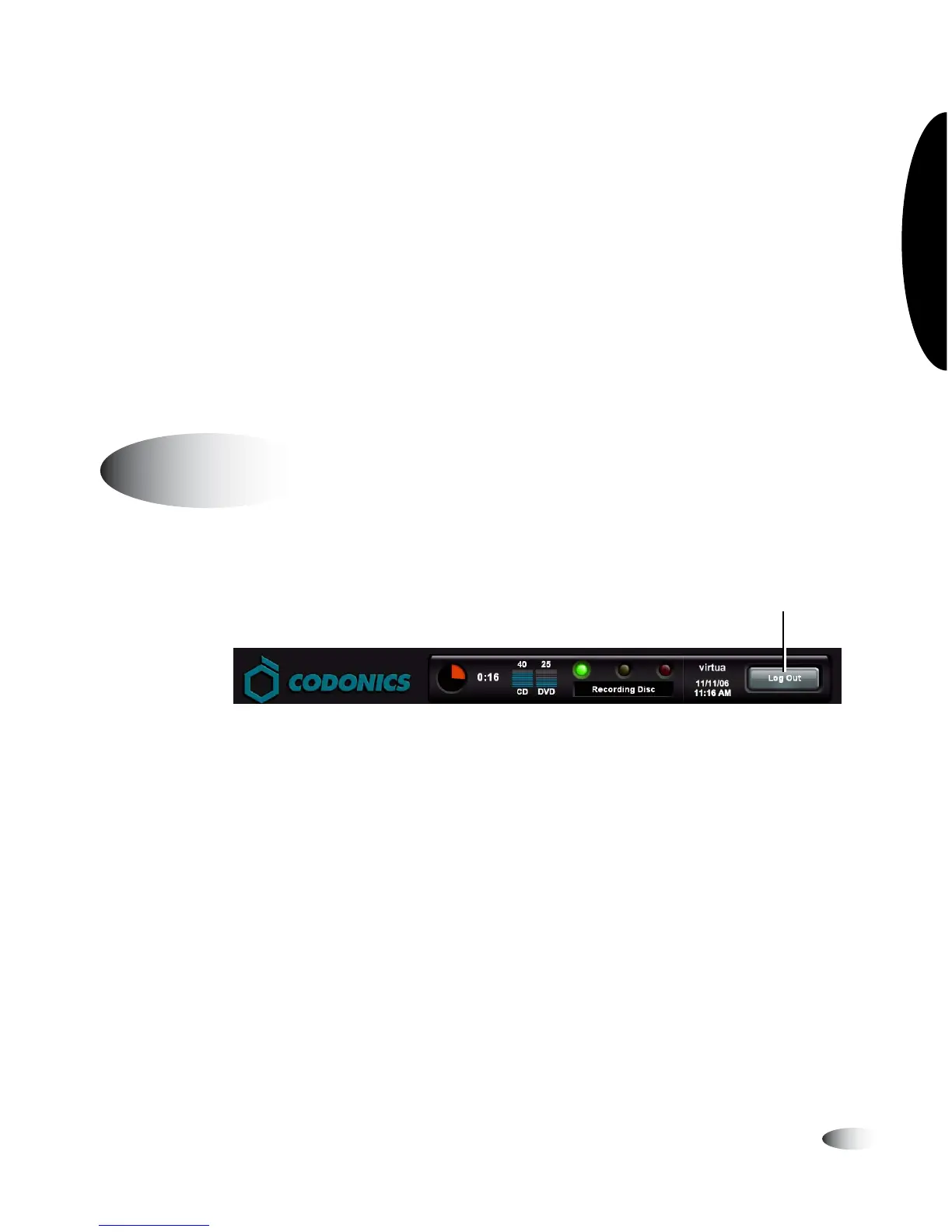
Touch the
Log Out
button at the top right of the screen.
The Login screen displays.
Logging Out
8
To log out
Touch Log Out



 To Next Page