3-4 Setting Up the Software
Login Procedure
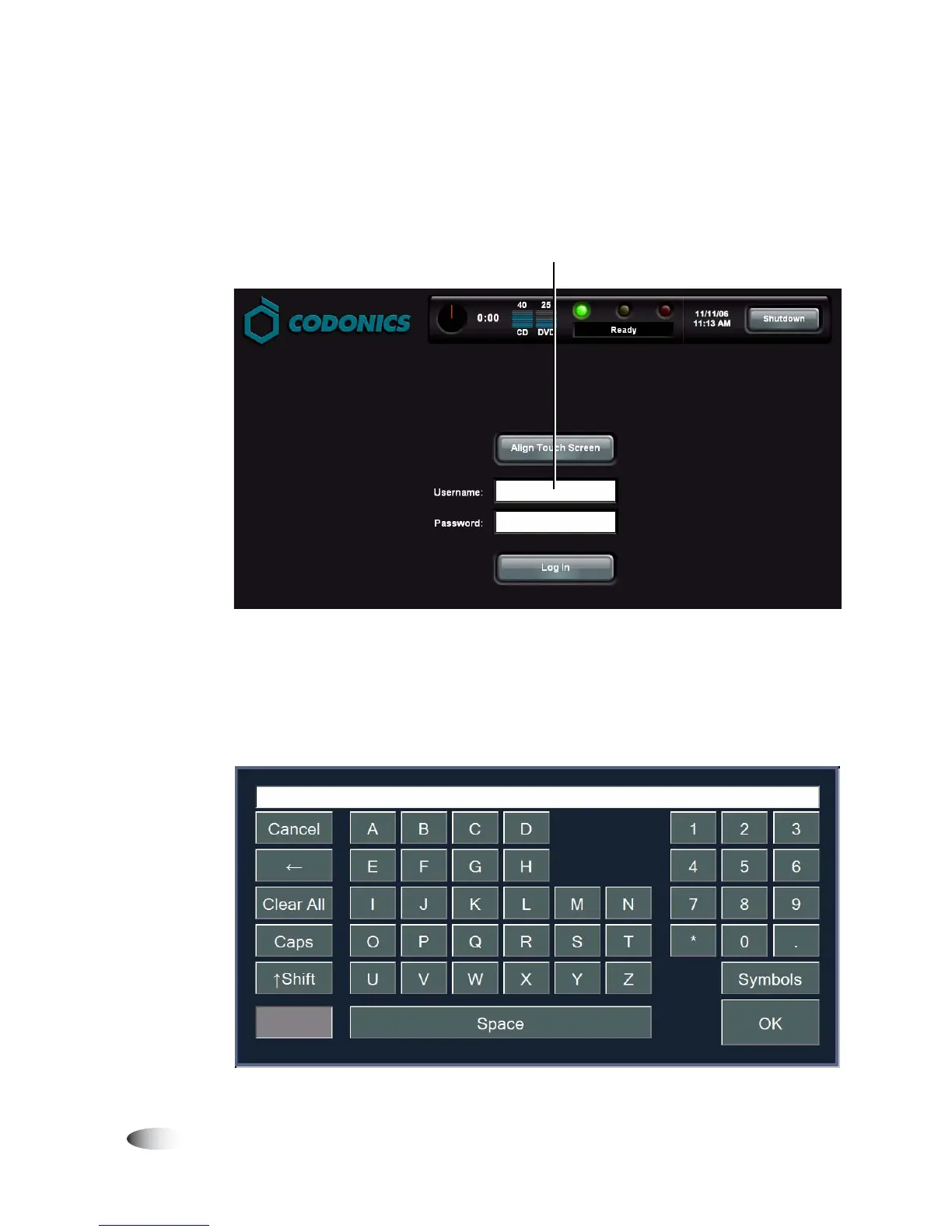
1. On the Login screen, touch the
Username
field.
Whenever an editable text field is touched, the keyboard
displays so that text can be entered. (For more information
about the keyboard, refer to “Touch Screen Keyboard” on
page 3-7.)
8
To log in
Touch Username field



 To Next Page