5-4 Recording and Labeling a Disc
If a study is received using a Job Profile with Manual mode selected,
the study is added to the Studies list. Recording studies in the
Studies list requires user intervention.
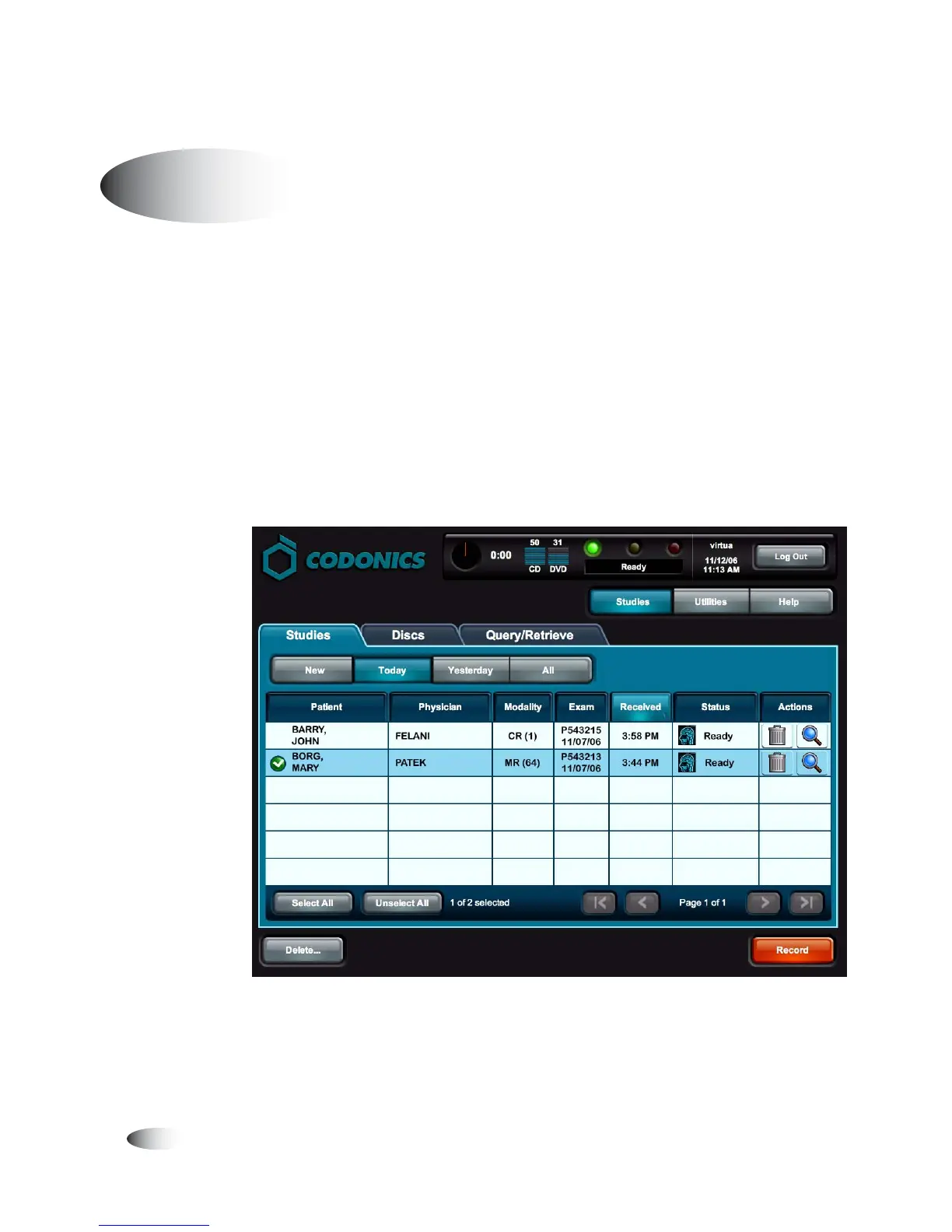
Following is a quick start procedure for recording studies in the
Studies list. For more information about the Studies list—including
sorting and filtering the list, displaying information about a study,
and deleting studies in the list—refer to Chapter 6.
1. Touch the
Studies
button on the Main screen, then touch the
Studies
tab.
Manual Mode
8
To record
studies in the
Studies list



 To Next Page