Codonics Virtua User’s Manual 11-13
Device Status and
Troubleshooting
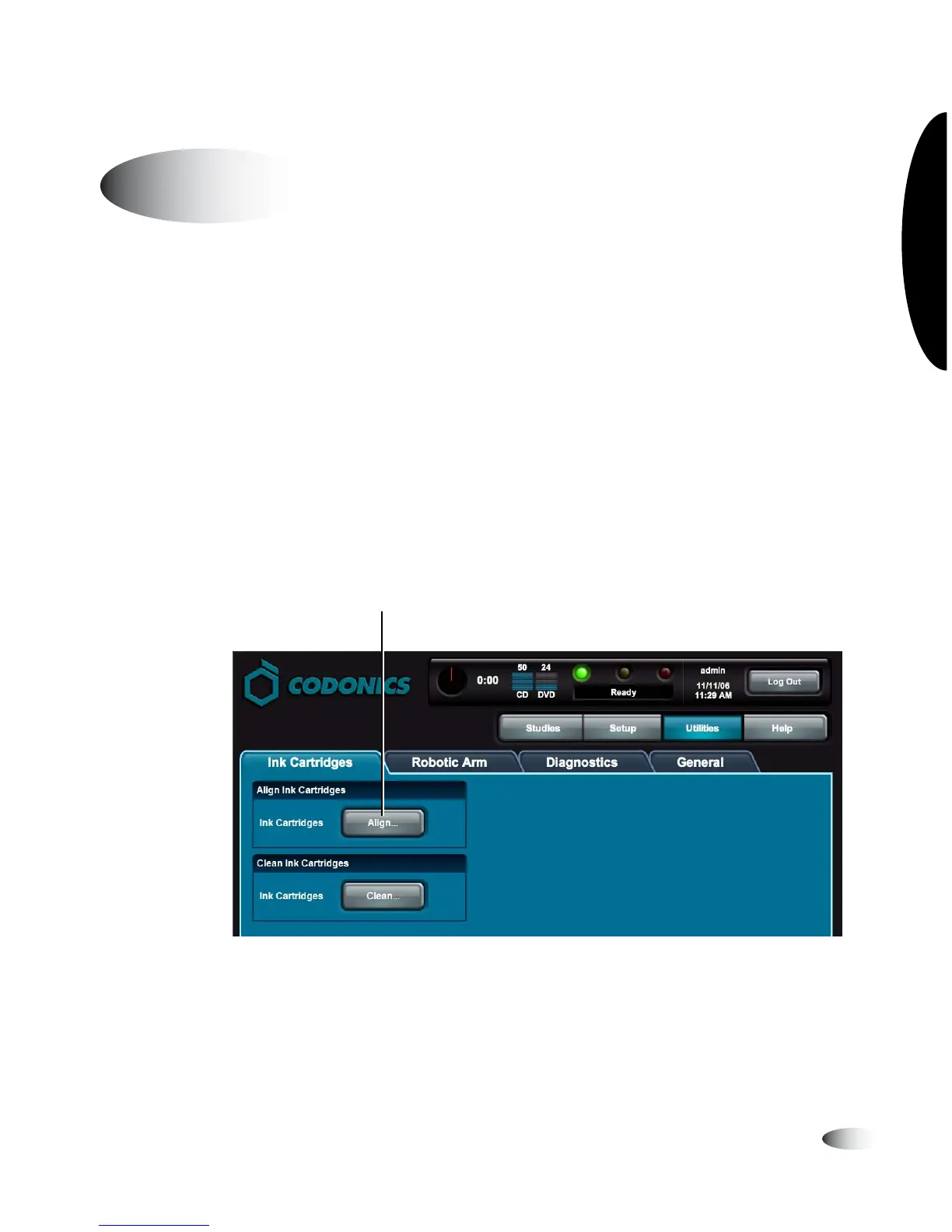
Occasionally, the ink cartridge might become misaligned. This can
cause ghosting in the printed images or misalignment of the printed
image on the disc. You can correct this condition by running the
Align Ink Cartridges utility.
You must be logged in as a user with administrator privileges to run
this utility.
1. Touch the
Utilities
button.
The Utilities screen displays.
2. If not already displayed, touch the
Ink Cartridges
tab.
3. Touch the
Align
button.
You are prompted to confirm the alignment.
Aligning the Ink Cartridge
8
To align the
ink cartridge
Touch Align to start alignment



 To Next Page