5-2 Recording and Labeling a Disc
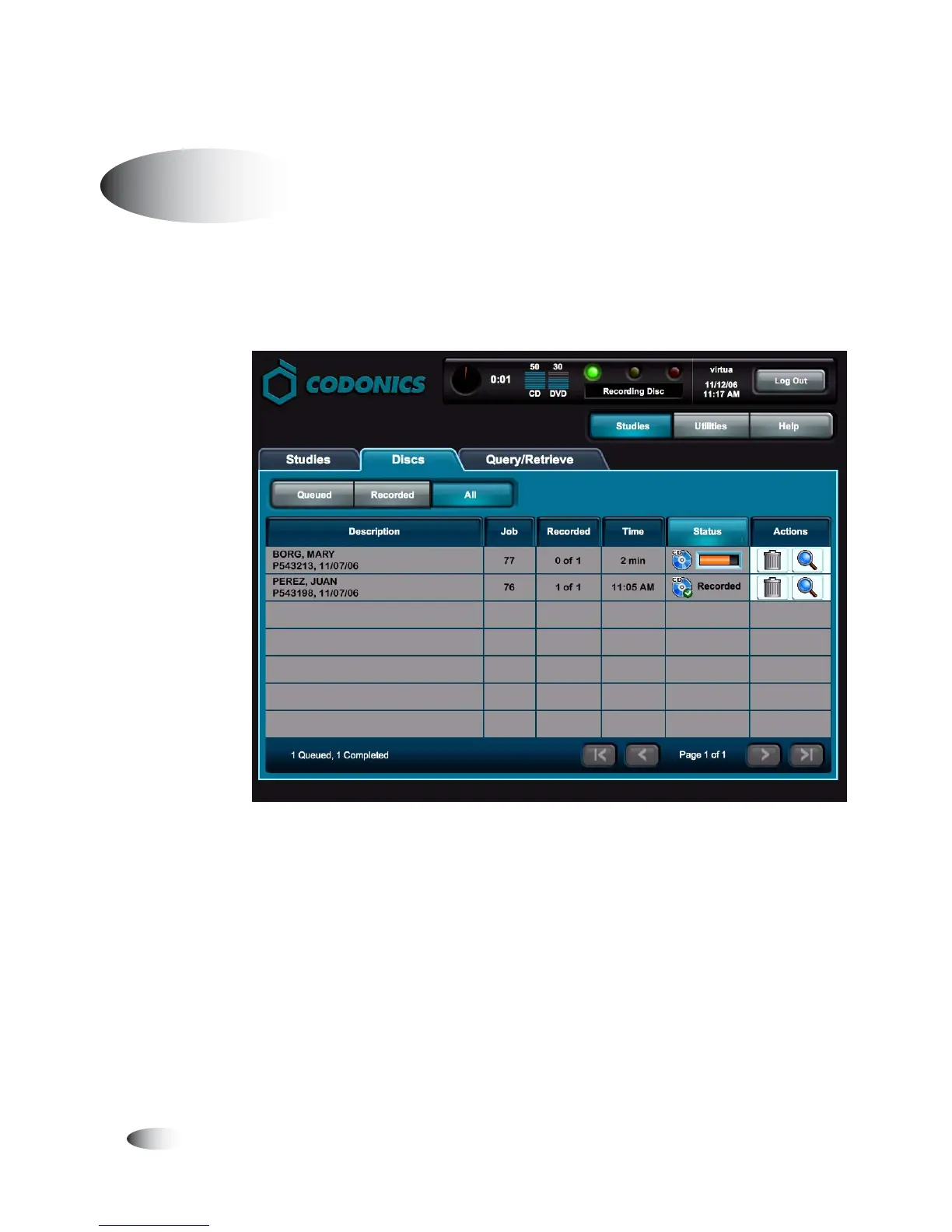
If a study is received using a Job Profile with Auto mode selected,
the study is automatically added to the queue on the
Discs
tab, with
the recording and labeling options as set in the Job Profile.
When the disc recording and labeling is completed, the disc is
placed in the output bin.
Jobs that do not fit on one disc are automatically split across
multiple discs.
Auto Mode



 To Next Page