2-18 Setting Up the Hardware
There are several tasks required to set up the device for use:
•
Inserting the USB SmartDrive
•
Attaching the output bin
•
Installing the input bins
•
Loading discs into the input bins
•
Installing the ink cartridge
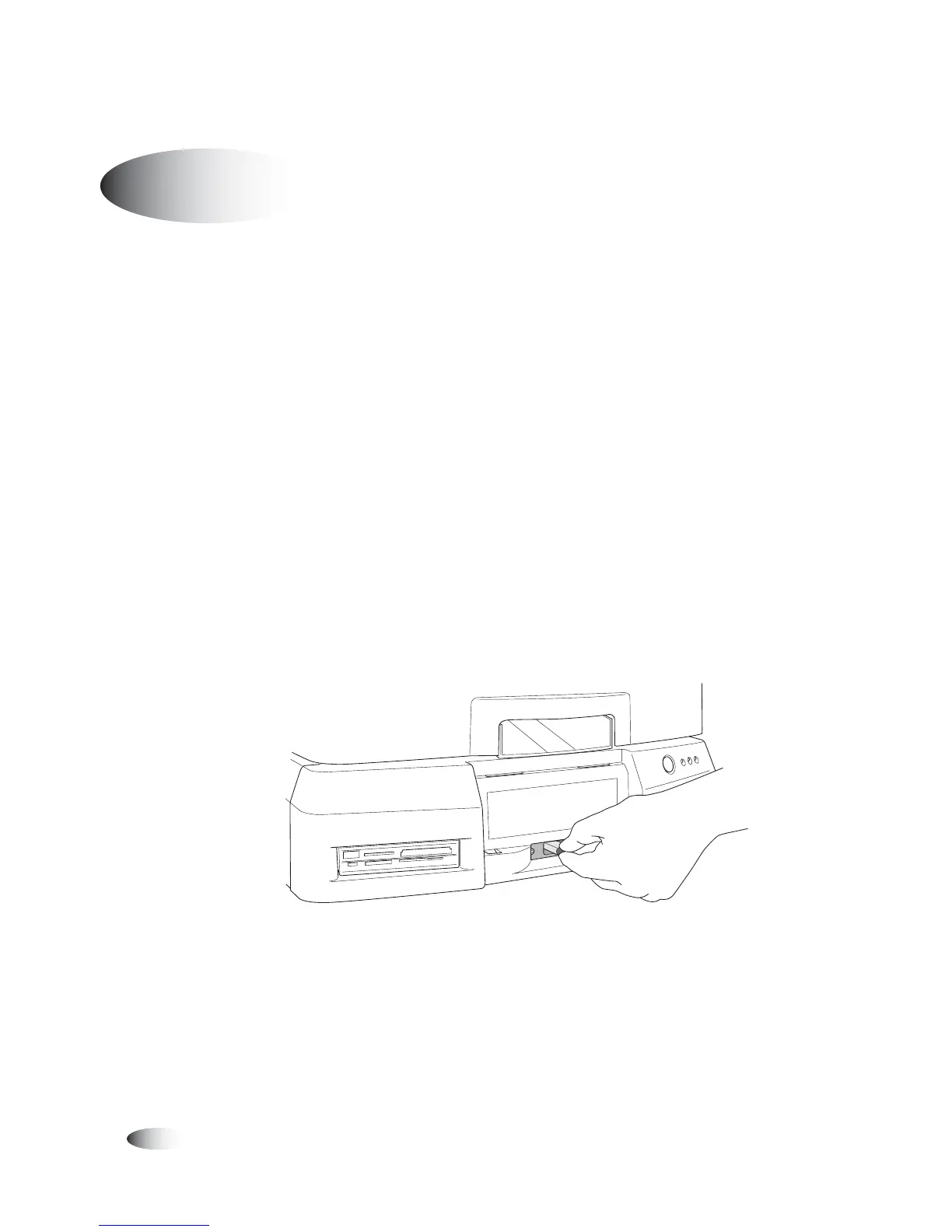
1. The green plastic funnel at the front of the Controller identifies
the location of USB port for the SmartDrive. Insert the
SmartDrive through the opening in the funnel until it is securely
seated in the USB port.
NOTE:
The “Codonics” logo on the SmartDrive must be facing up.
Inserting SmartDrive into USB port at front of the Controller
Setting Up the Device for Use
8
To set up the
device for use
3



 To Next Page