2-8 Setting Up the Hardware
Display Controls
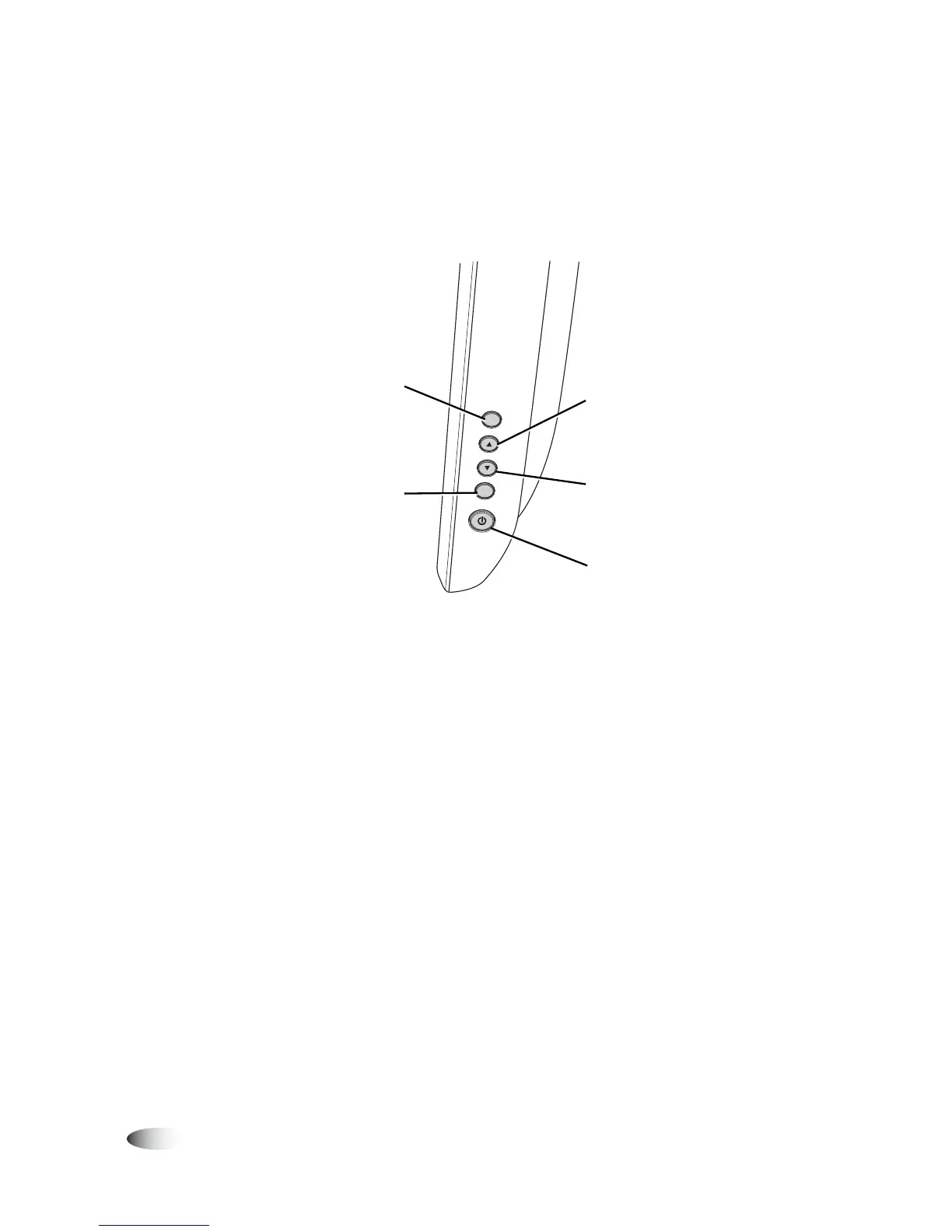
The following illustration shows the controls at the right side of the
Display.
Controls at right side of Display
SELE
CT
MENU
Power switch
Select adjustment item
from on-screen menus
Enter contrast
Increase value of adjustment item
Select item
Display/exit on-screen
menus
Enter brightness
Decrease value of adjustment item
Select item counter-clockwise



 To Next Page