3-40 Setting Up the Software
You should always shut down the system before attempting to
power down the device.
Before attempting to shut down or reboot the system, make sure
that all jobs have finished.
Press the green soft power button on the Controller front panel
to start the shutdown process.
OR
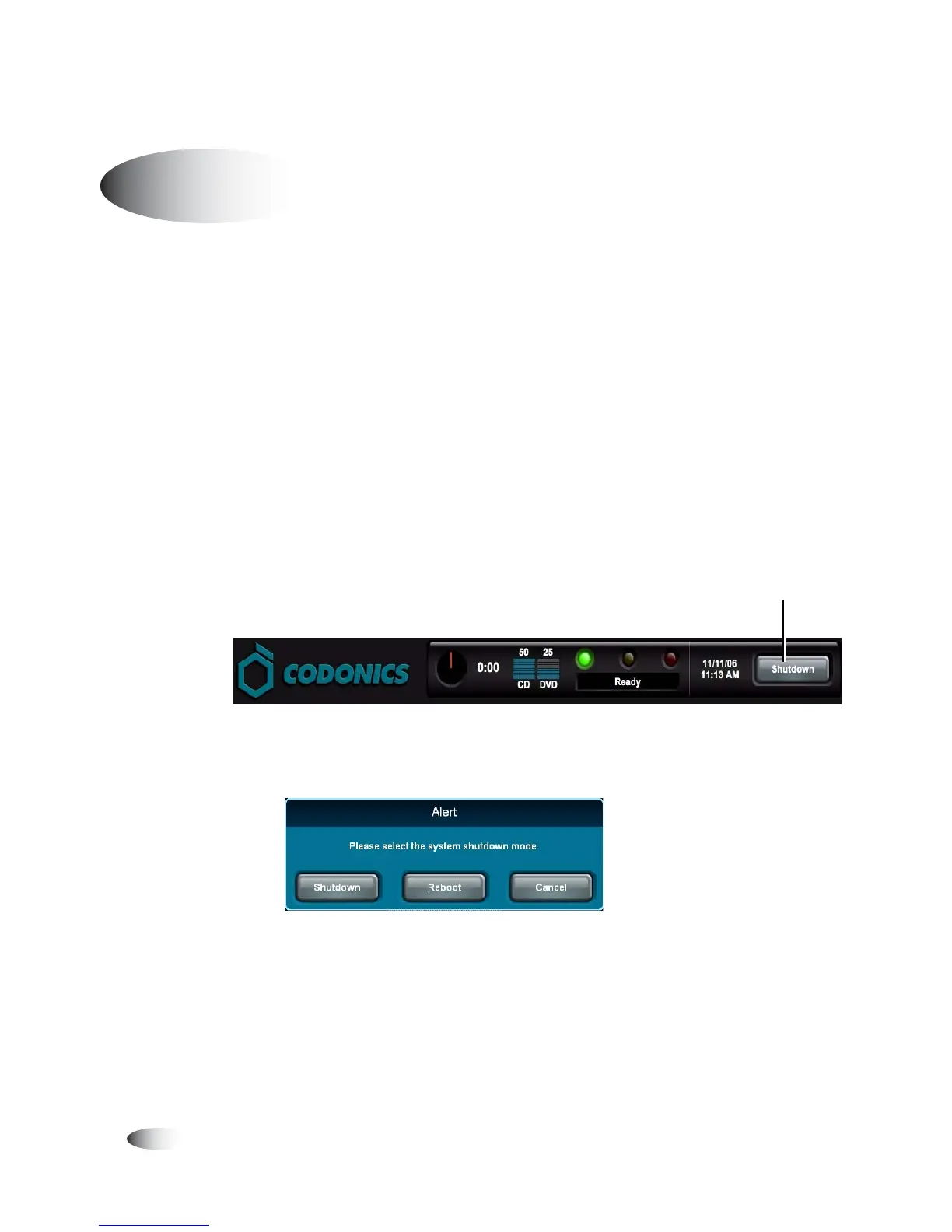
1. From the Login screen, touch the
Shutdown
button at the top
right of the screen.
You are prompted as to whether you want to shut down the
system, reboot the system, or cancel the shutdown.
2. Touch the desired shutdown option.
After initiating a shutdown or reboot, shutdown messages are
displayed.
Shutting Down and Rebooting
8
To shut down
or reboot the
system
To u ch Shutdown



 To Next Page