Codonics Virtua User’s Manual 3-23
Setting Up the Software
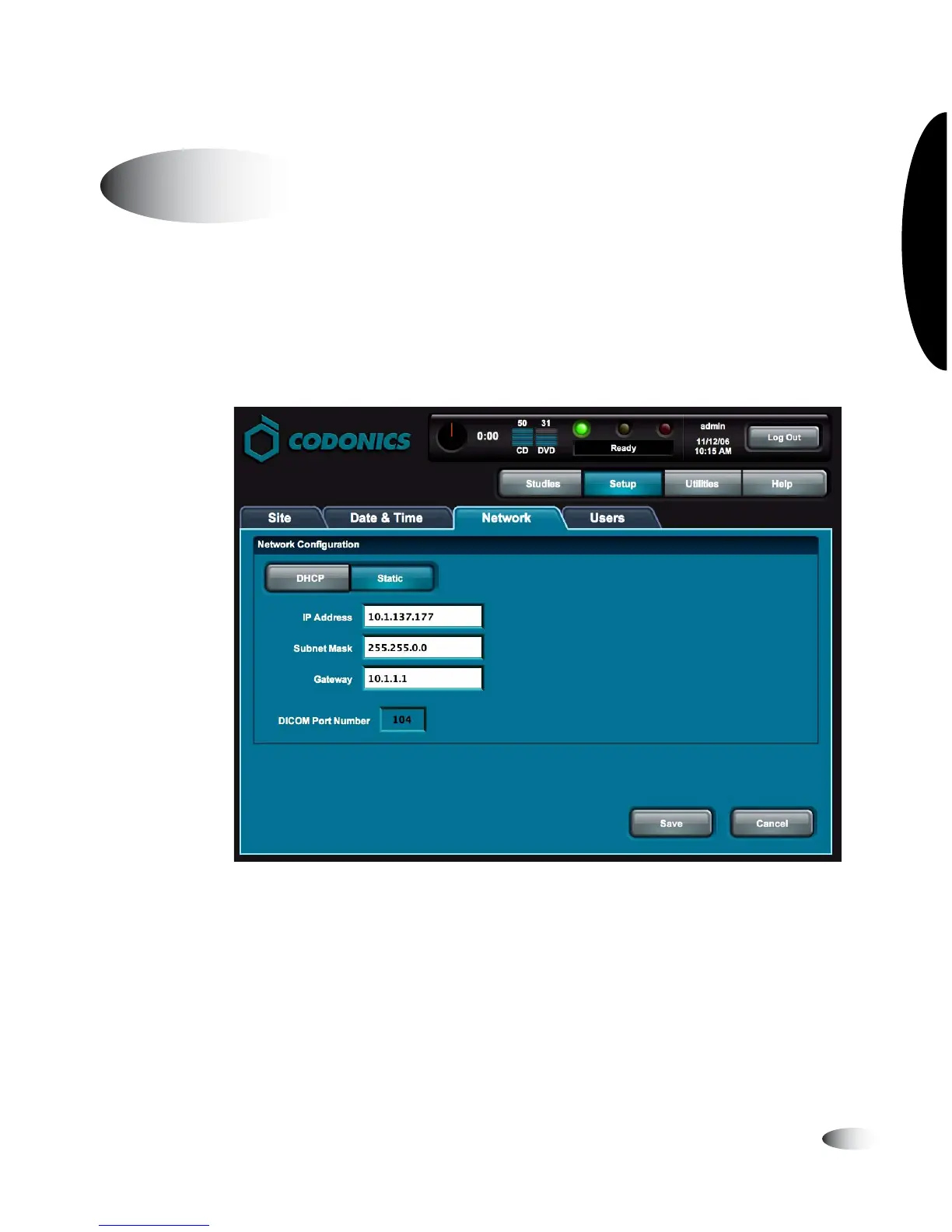
You must be logged in as a user with administrator privileges to set
the network parameters.
On the Main screen, touch the
Setup
button to display the Setup
screen, then the
Network
tab to display the network parameters.
The following table describes the network parameters. When
finished setting the parameters, touch the
OK
button to save the
changes (or the
Cancel
button to cancel them).
Setting the Network Parameters
8
To set the
networ
parameters



 To Next Page