7-2 Working with Jobs
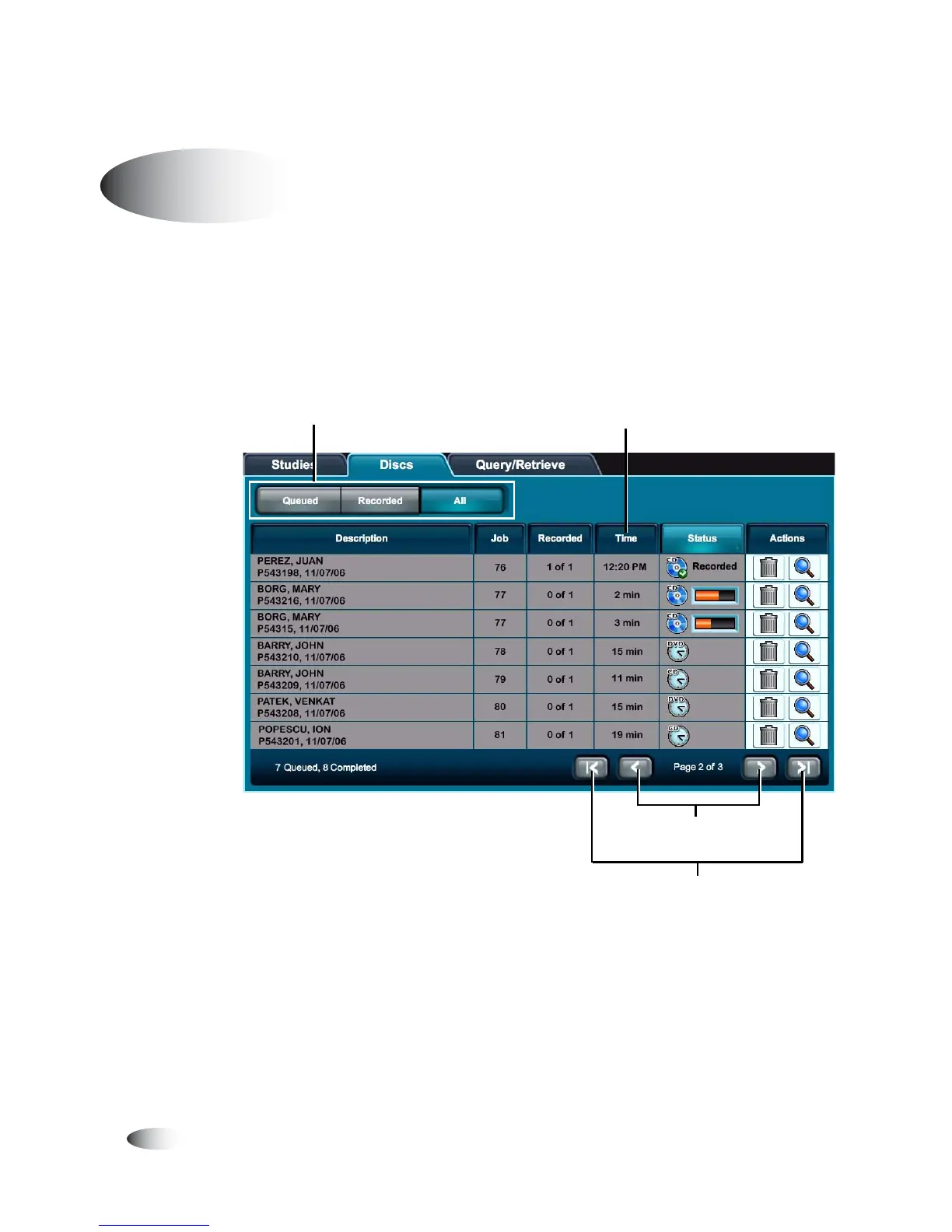
The following illustration shows how to filter, sort, and scroll
through the Discs queue on the
Discs
tab.
Working with the Discs Queue
Touch a column heading to
sort the list by that column
Scroll one page
at a time
Scroll to beginning
or end of list
Use these buttons to filter the jobs that will be
listed:
Queued Pending or in-progress jobs.
Recorded Recorded jobs.
All All jobs.



 To Next Page