Codonics Virtua User’s Manual 2-23
Setting Up the Hardware
NOTE:
The Recorder is designed to work with certain brands of ink cartridges. Only use
Codonics-recommended ink cartridges to ensure proper operation of the device and proper
labeling of the disc. Contact Codonics Customer Service for a current list of recommended
ink cartridges and suppliers.
NOTE:
Never refill ink cartridges, as this can damage the Recorder mechanism and cause
improper labeling of discs.
1. Open the Recorder cover.
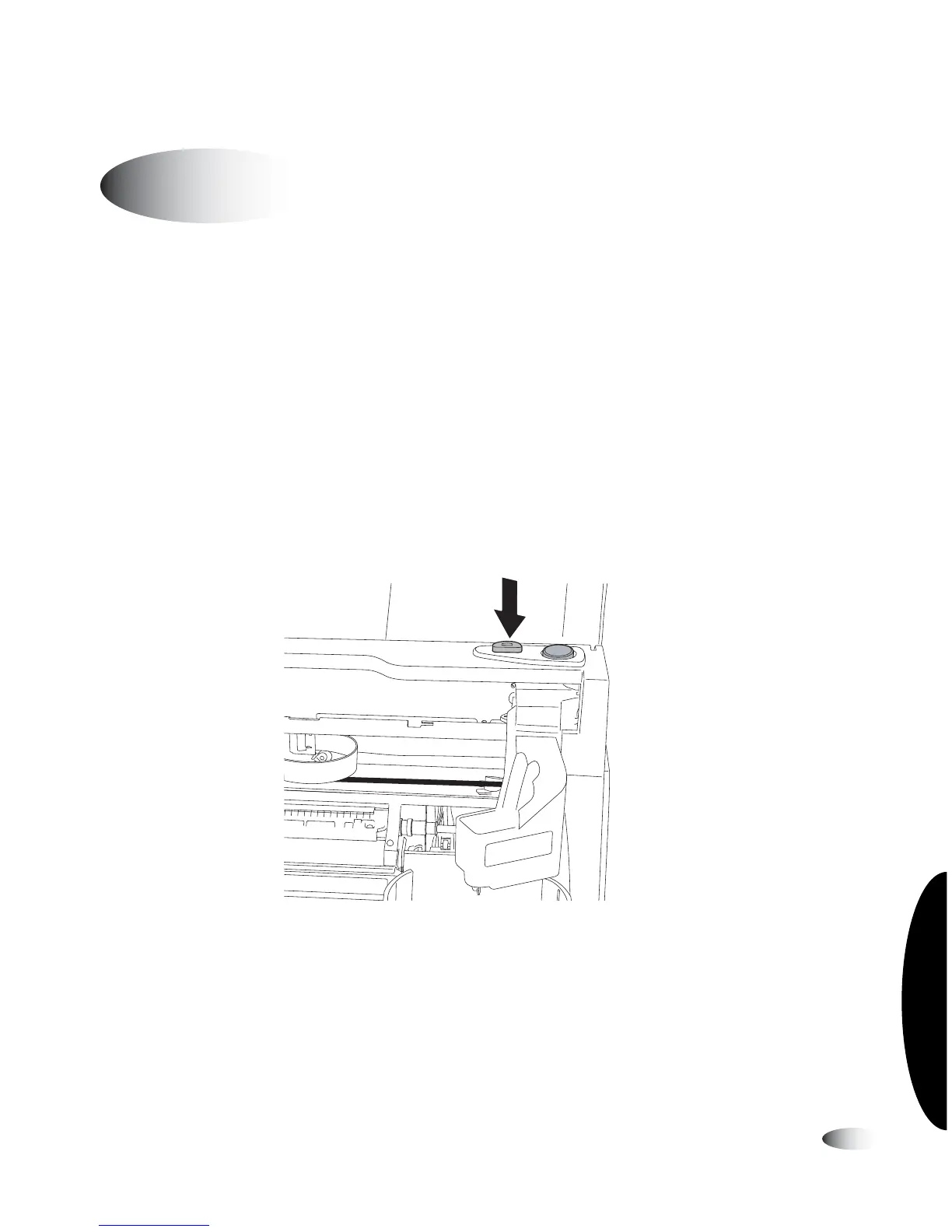
2. Press the
Ink Cartridge Load
button at the top right of the
Recorder to move the ink cartridge carrier to the load position
at the far left.
Recorder Ink Cartridge Load button
Installing the Ink Cartridge
3
3
8
To install the
ink cartridge



 To Next Page