3-14 Setting Up the Software
Changing a User’s Password and
Administrator Privileges
You must be logged in as a user with administrator privileges to
change user passwords and administrator privileges.
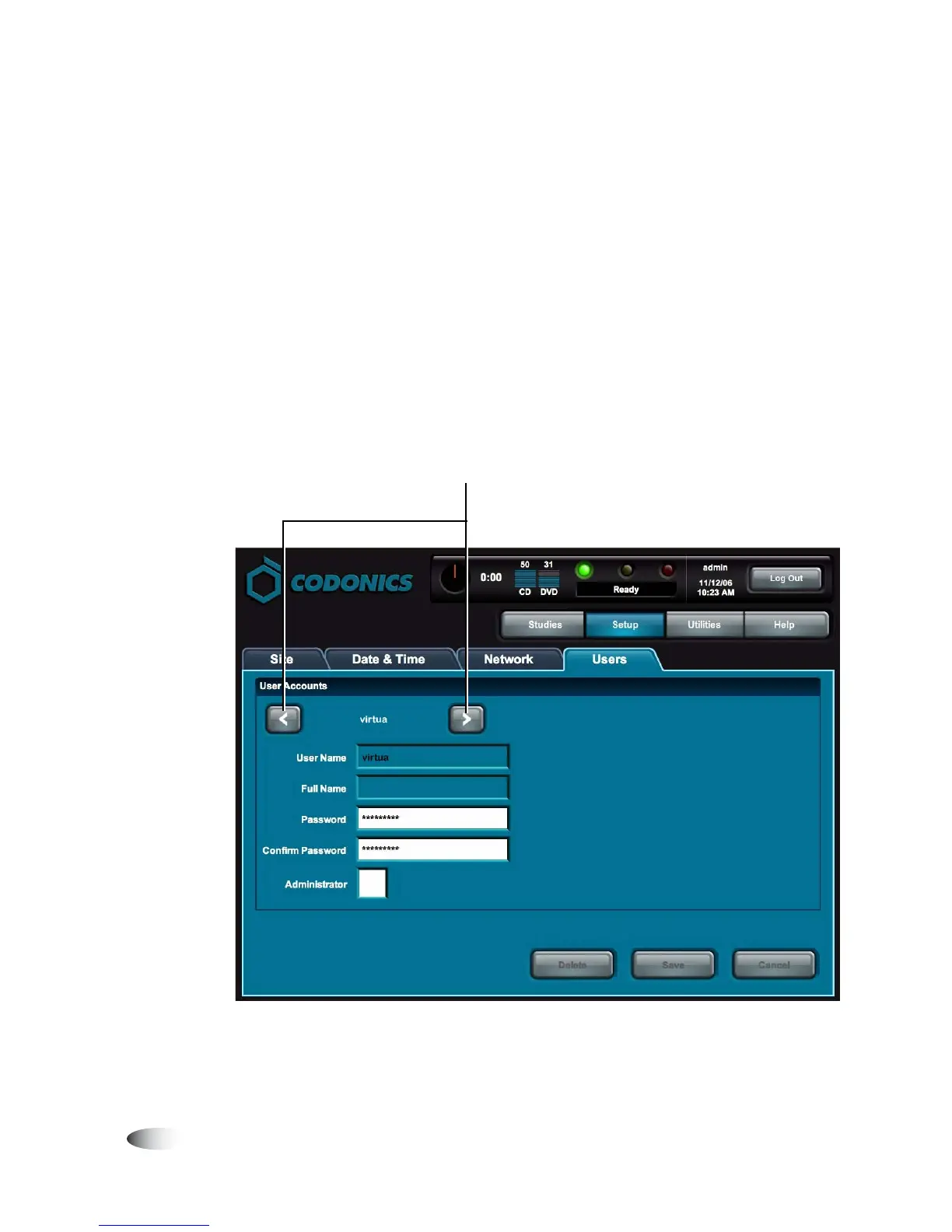
1. On the Main screen, touch the
Setup
button to display the Setup
screen, then the
Users
tab to display the user account
parameters.
2. Use the scroll buttons to scroll to the user whose parameters you
want to change.
8
To change a
user password
or
administrator
privileges
Touch scroll buttons to scroll through available user
accounts.



 To Next Page