Codonics Virtua User’s Manual 3-21
Setting Up the Software
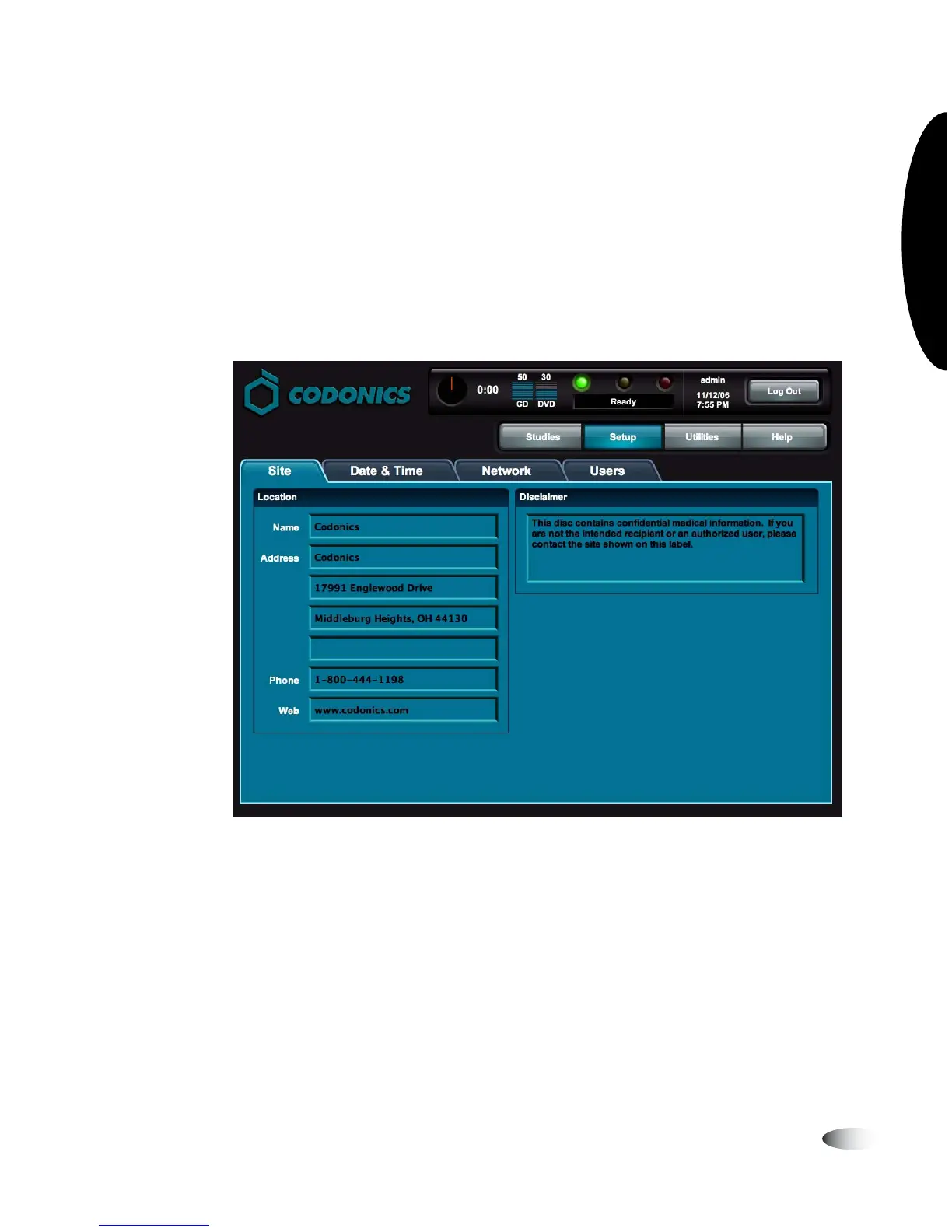
Viewing the Default Site Profile from the
Application
You must be logged in as a user with administrator privileges to
view the default site profile from the application.
On the Main screen, touch the
Setup
button to display the Setup
screen, then the
Site
tab to display the site profile information.
NOTE:
Site profiles other than the default profile can be viewed by opening the
corresponding text files on the SmartDrive.
8
To view the
default site
profile
3



 To Next Page