Codonics Virtua User’s Manual 11-3
Device Status and
Troubleshooting
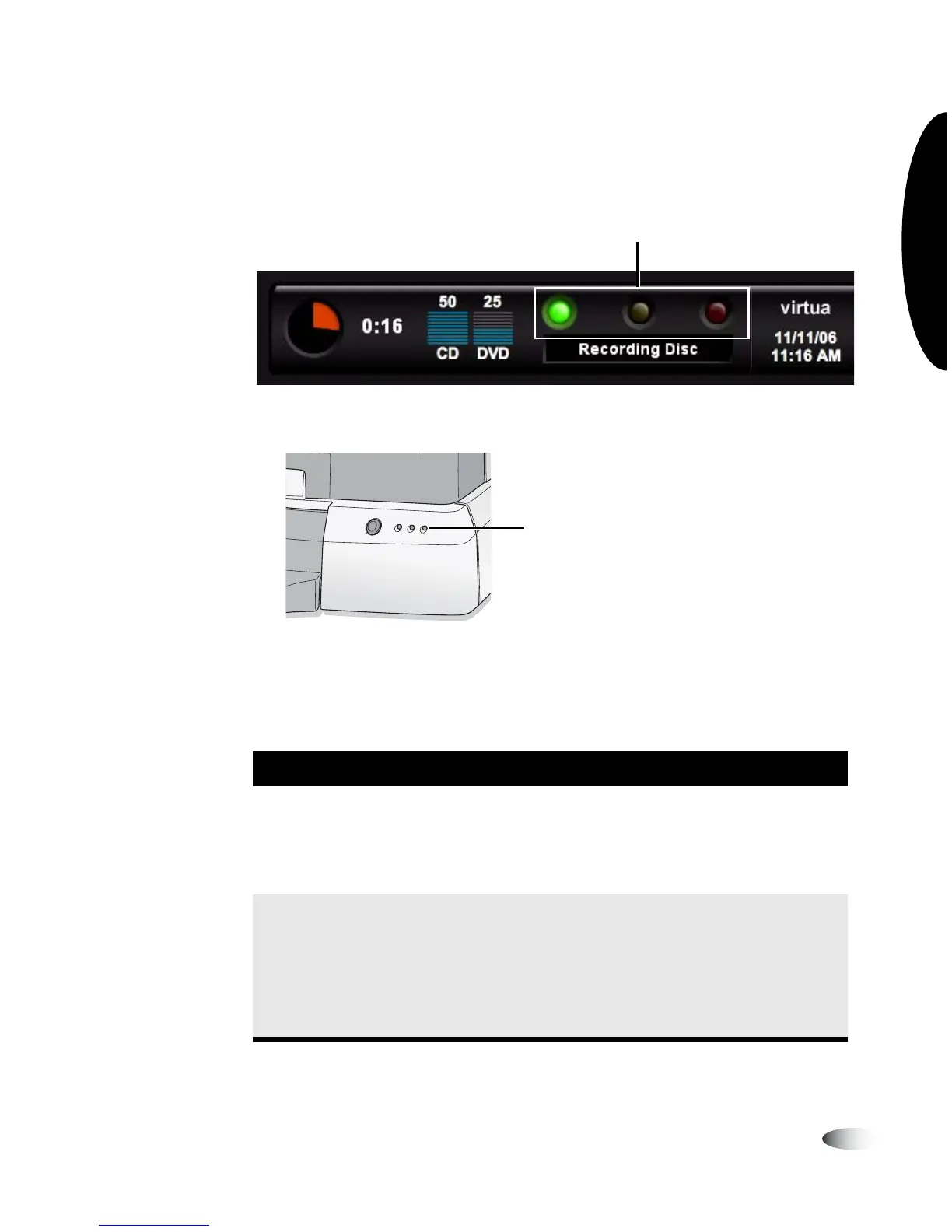
Interpreting LED Status Indicators
LED device status indicators are located on both the Dashboard...
and on the Controller front panel.
The following table explains how to interpret the state of the LED
status indicators.
Table 11-1. LED Status Indicators
Status Icon Description
Green: On Ready condition.
The ready condition indicates the device is properly configured
and can accept studies for processing. The message “Ready”
also displays in the Dashboard status message area.
Green: Flashing Processing.
This processing state indicates the device is receiving a study,
preparing a study for recording, or recording and labeling a
disc. The status column of the Studies list and Discs queue,
and the Dashboard status message area, display the details of
what is being processed.
LED status indicators
LED status indicators



 To Next Page