3-2 Setting Up the Software
Additional setup tasks are covered elsewhere in this manual:
•
For information about adding and managing custom disc labels,
refer to Chapter 8.
•
For information about setting the locale to ensure proper display
of patient and site information, and date and time format, refer
to Chapter 9.
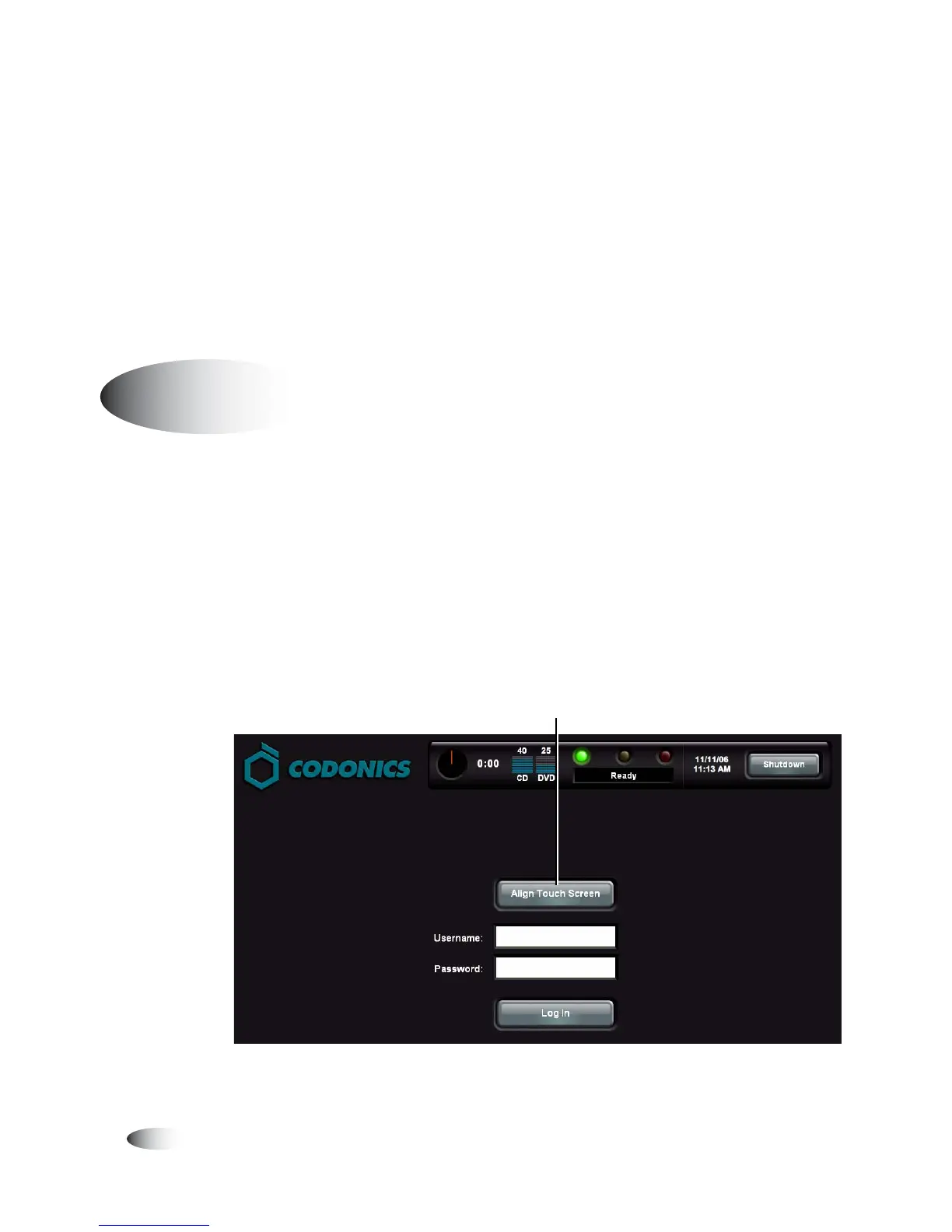
The Display’s Touch Screen calibration utility is run automatically
whenever the Operating Software is installed, and can be run
manually if necessary. The calibration utility ensures that your
finger will select the proper object on the touch screen.
Run the calibration utility if you notice that touch points are out of
alignment with the target object on the screen.
1. On the Login screen, touch the
Align Touch Screen
button.
Calibrating the Touch Screen
8
To calibrate
the touch
screen
Touch Align Touch Screen



 To Next Page