2-14 Setting Up the Hardware
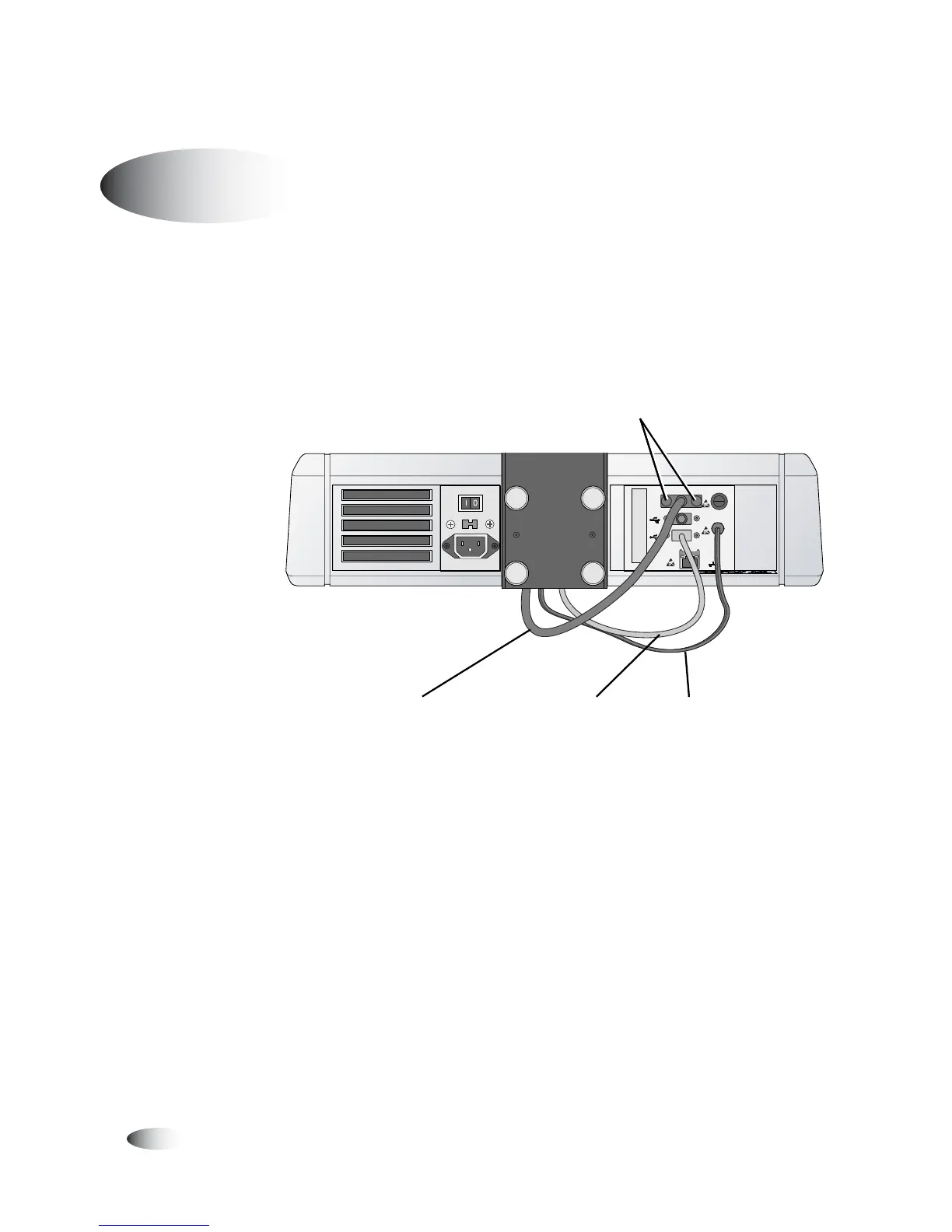
1. Connect the VGA, USB, and DC power cables running from the
bottom of the Display arm to the appropriate Controller ports,
as shown below. Hand-tighten the two VGA connector
thumbscrews.
Display cables connected to the Controller
Connecting Cables and Power Cords
8
To connect the
input/output
cables and
power cords
VGA
USB
USB
FUSE
LCD
PWR
NETWORK
VGA
USB
USB
FUSE
LCD
PWR
NETWORK
VGA cable USB cable DC power cable
VGA connector
thumbscrews



 To Next Page