Codonics Virtua User’s Manual 2-15
Setting Up the Hardware
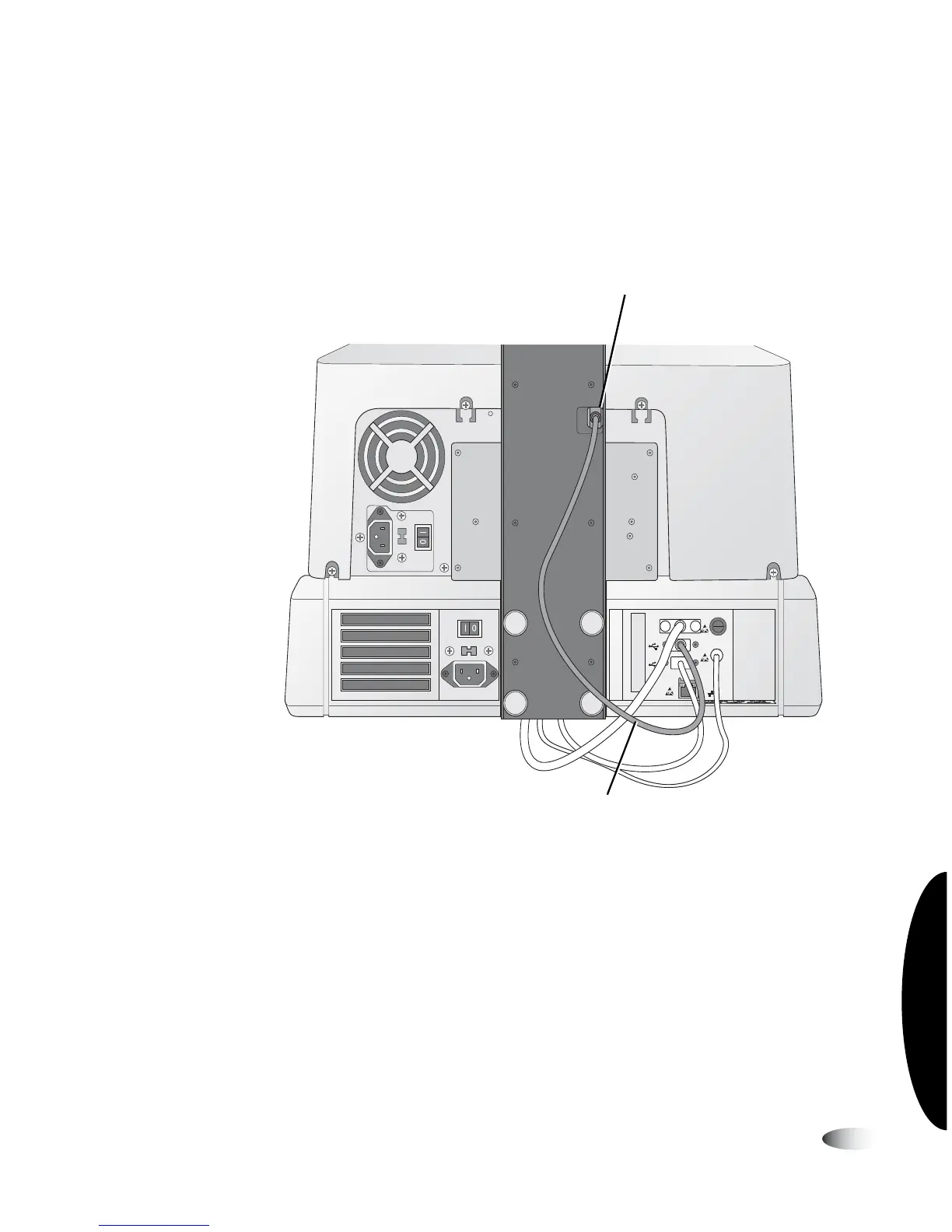
2. Connect the short USB cable (from the Accessories Kit box) to
the remaining USB port on the Controller, and then to the
Recorder’s USB port, accessible through the cutout in the
Display arm.
USB cable connected between the Controller and the Recorder
VGA
USB
USB
FUSE
LCD
PWR
NETWORK
Short USB cable
Recorder USB port, accessible
through Display arm cutout



 To Next Page