2-12 Setting Up the Hardware
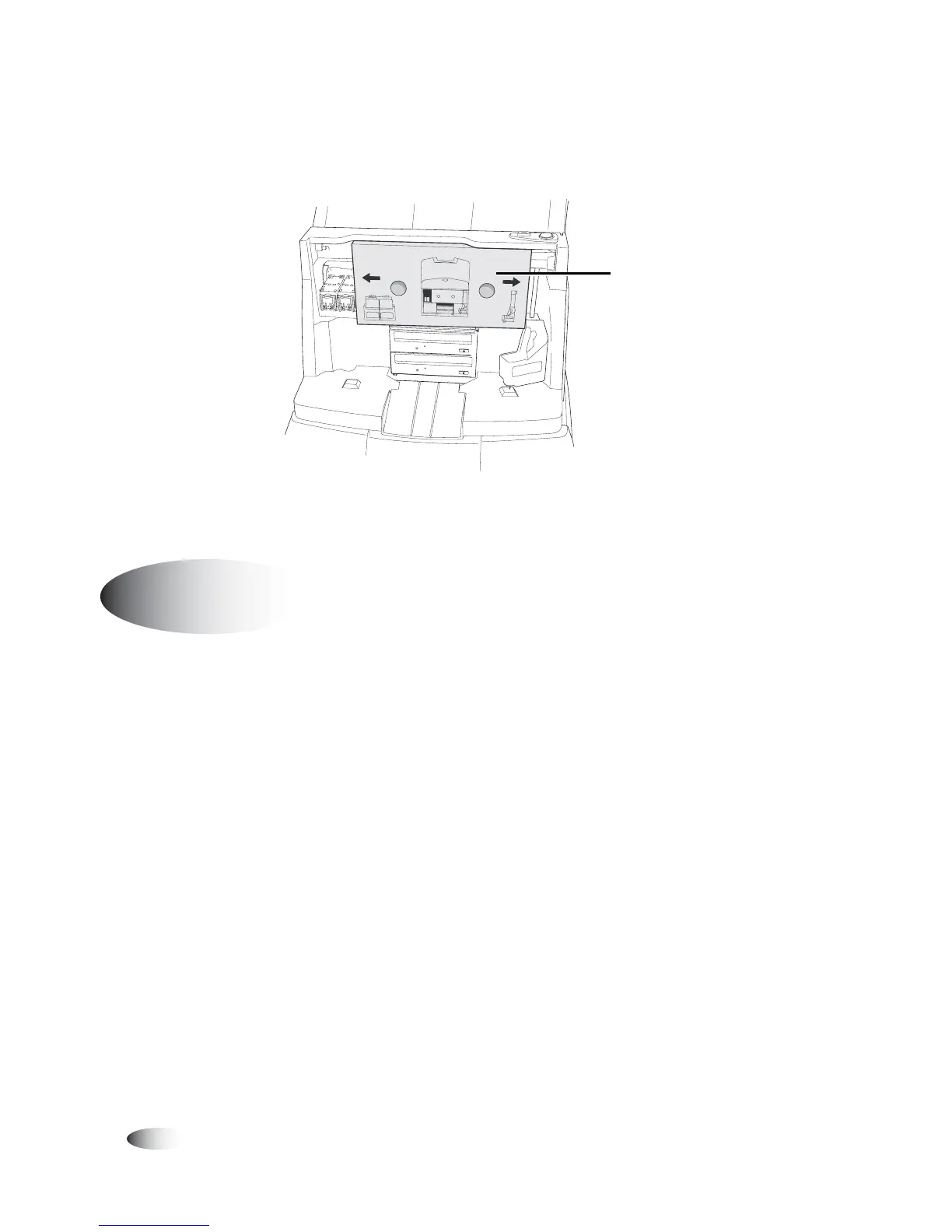
7. Remove the cardboard shipping insert.
Recorder shipping insert
The Display, Display input/output cables, and Display arm come
preassembled. The Display is attached to the unit by securing the
Display arm to the rear of the Controller.
1. Remove the four thumbscrews from the four threaded studs at
the rear of the Controller and set them aside.
2. With the Display facing the front of the unit, align the four holes
at the base of the Display arm with the four studs at the center
rear of the Controller.
3. Slide the Display arm onto the four studs until the Display arm
is fully inserted into its notch at the rear of the Controller.
Shipping insert
Attaching the Display
8
To attach the
Display to the
Controller



 To Next Page