Codonics Virtua User’s Manual 2-9
Setting Up the Hardware
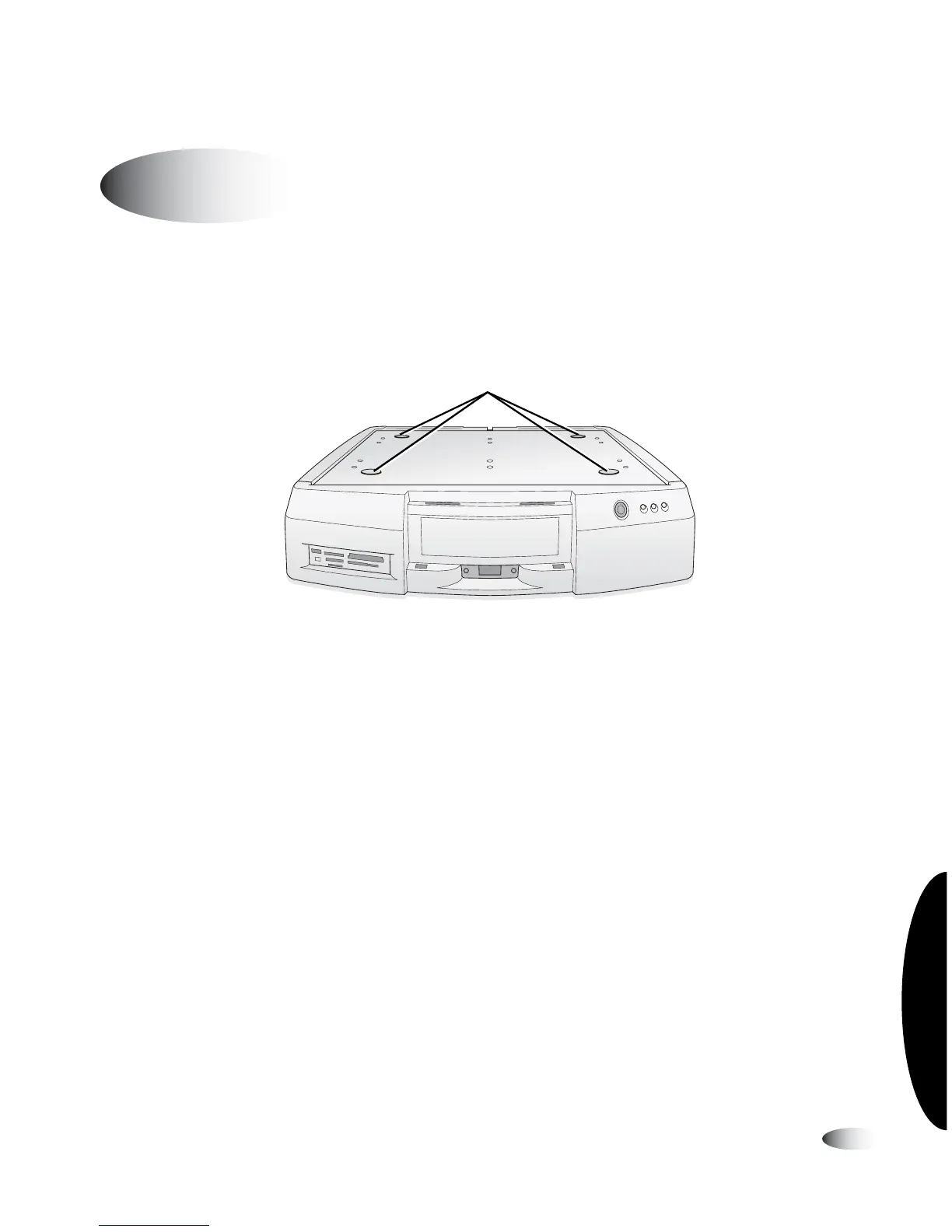
1. Position the Controller on the work surface that will hold the
device. Allow at least 6 in. (15 cm) of clearance in front of the
Controller and 4 in. (10 cm) of clearance behind.
Controller positioned on work surface
Setting Up the Controller and Recorder
8
To set up the
Controller and
Recorder
Depressions for
Recorder feet



 To Next Page