Codonics Virtua User’s Manual 2-17
Setting Up the Hardware
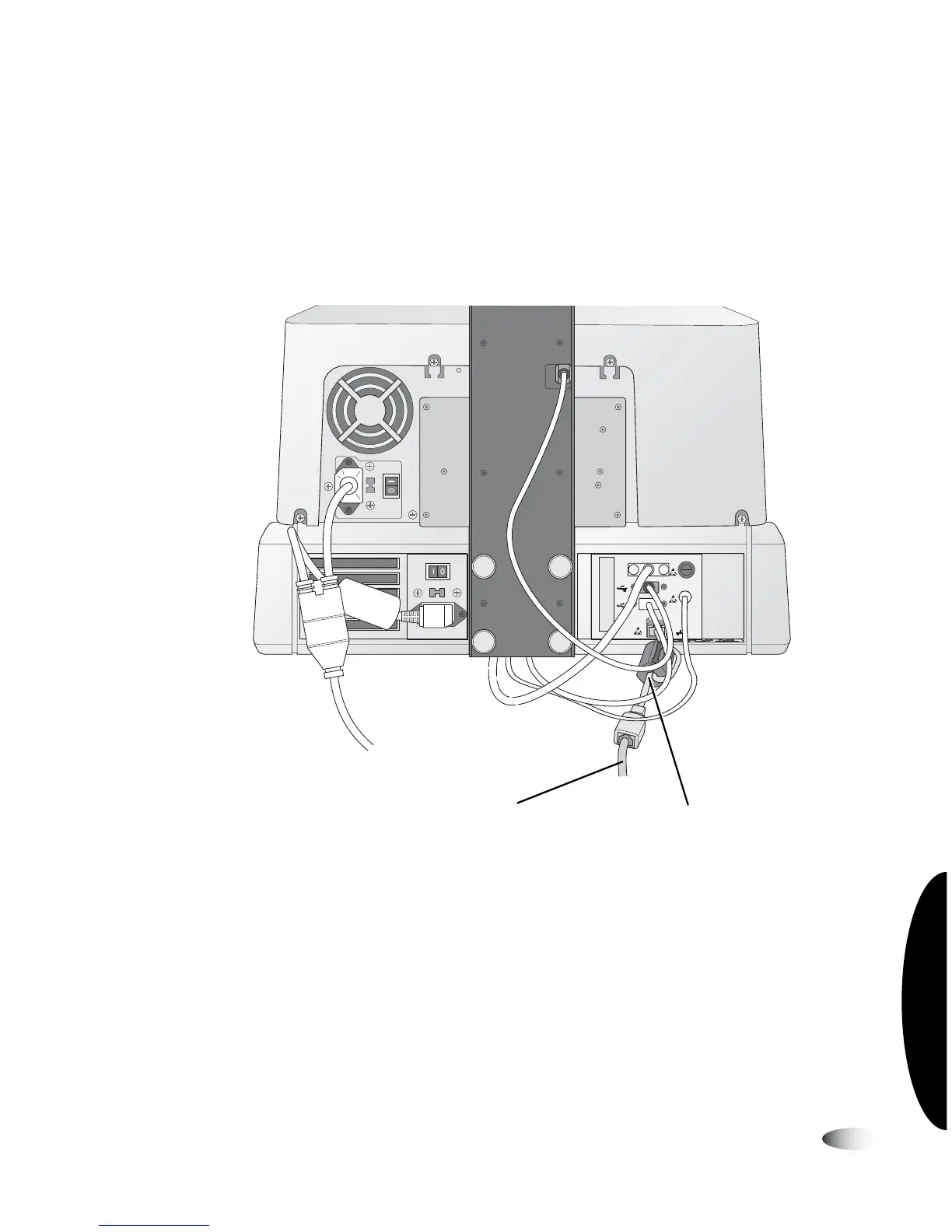
4. Connect the shielded Ethernet cable to the RJ-11 Ethernet jack
on the rear of the Controller.
5. Connect an Ethernet cable to the short shielded Ethernet cable.
Use the 25-ft CAT-5 straight-through cable provided or any
standard Ethernet cable.
Shielded Ethernet cable and standard Ethernet cable connected to the
Controller (Virtua-1-PS1 model shown)
VGA
USB
USB
FUSE
LCD
PWR
NETWORK
Ethernet shielded cableEthernet cable



 To Next Page