Codonics Virtua User’s Manual 2-19
Setting Up the Hardware
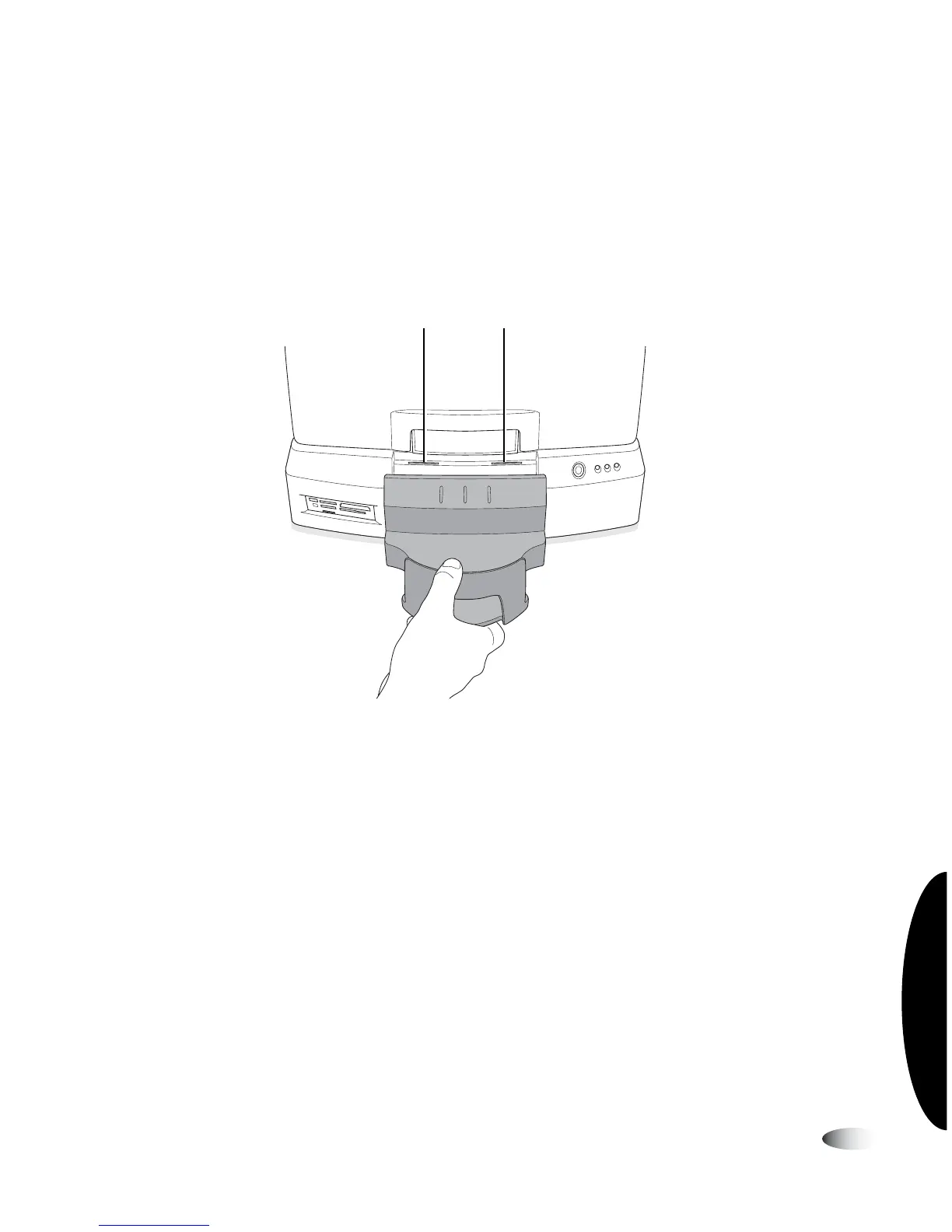
2. Attach the green output bin to the Controller.
There are four tabs on the underside of the output bin. Align
these tabs with the four slots on the Controller front panel.
Then, slide the output bin down into the slots. The output bin
will rest slightly above the table surface.
Inserting output bin into slots on Controller front panel
3. Open the Recorder cover.
Top two slots on front panel



 To Next Page