Codonics Virtua User’s Manual 3-5
Setting Up the Software
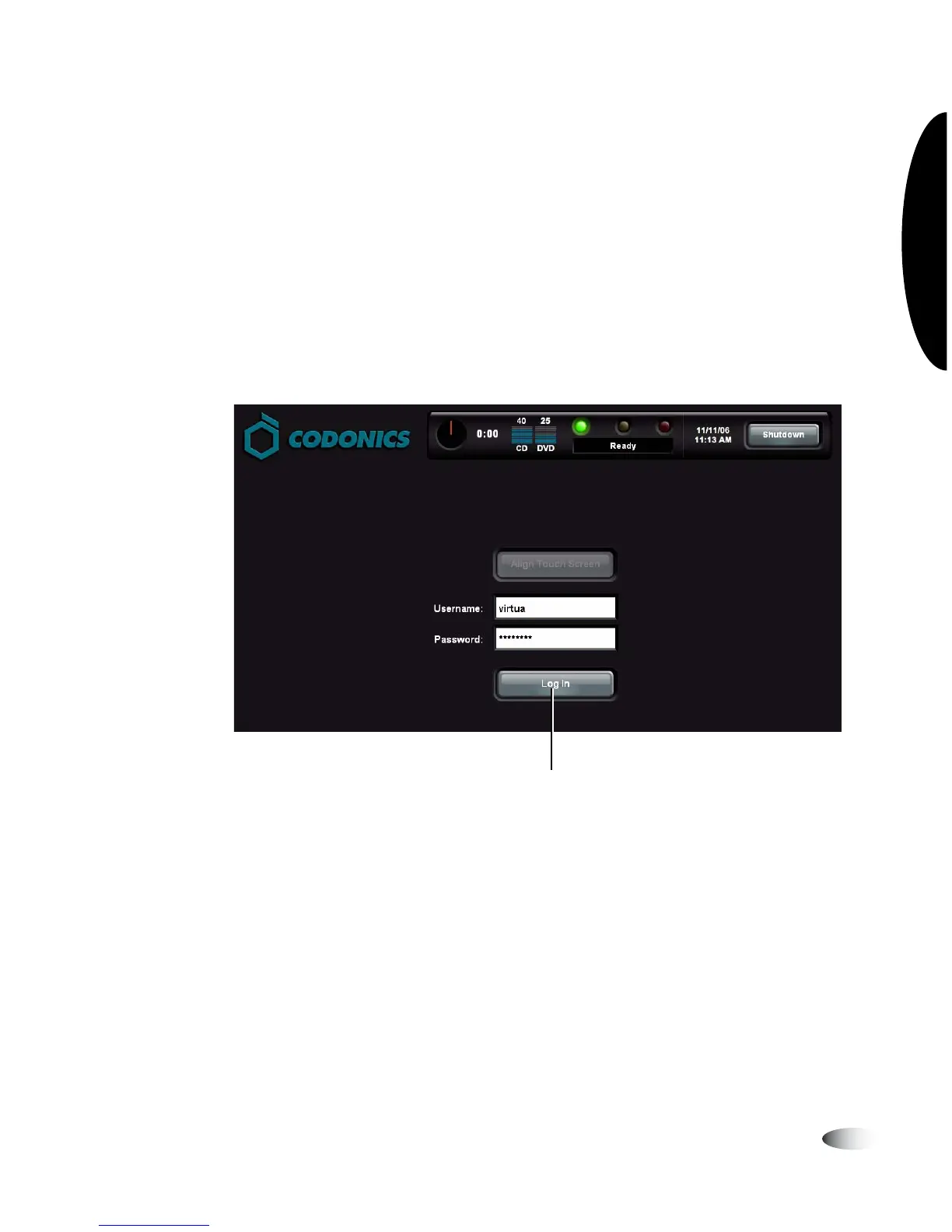
2. Touch the keyboard keys to enter the user name, then touch the
OK
key.
The name entered is displayed in the
Username
field.
3. Touch the
Password
field and enter the password.
Note that dots are displayed for the password entry, to protect
the security of the actual password.
4. With the user login and password entered, touch the
Log In
button.
To u ch Log In



 To Next Page