3-6 Setting Up the Software
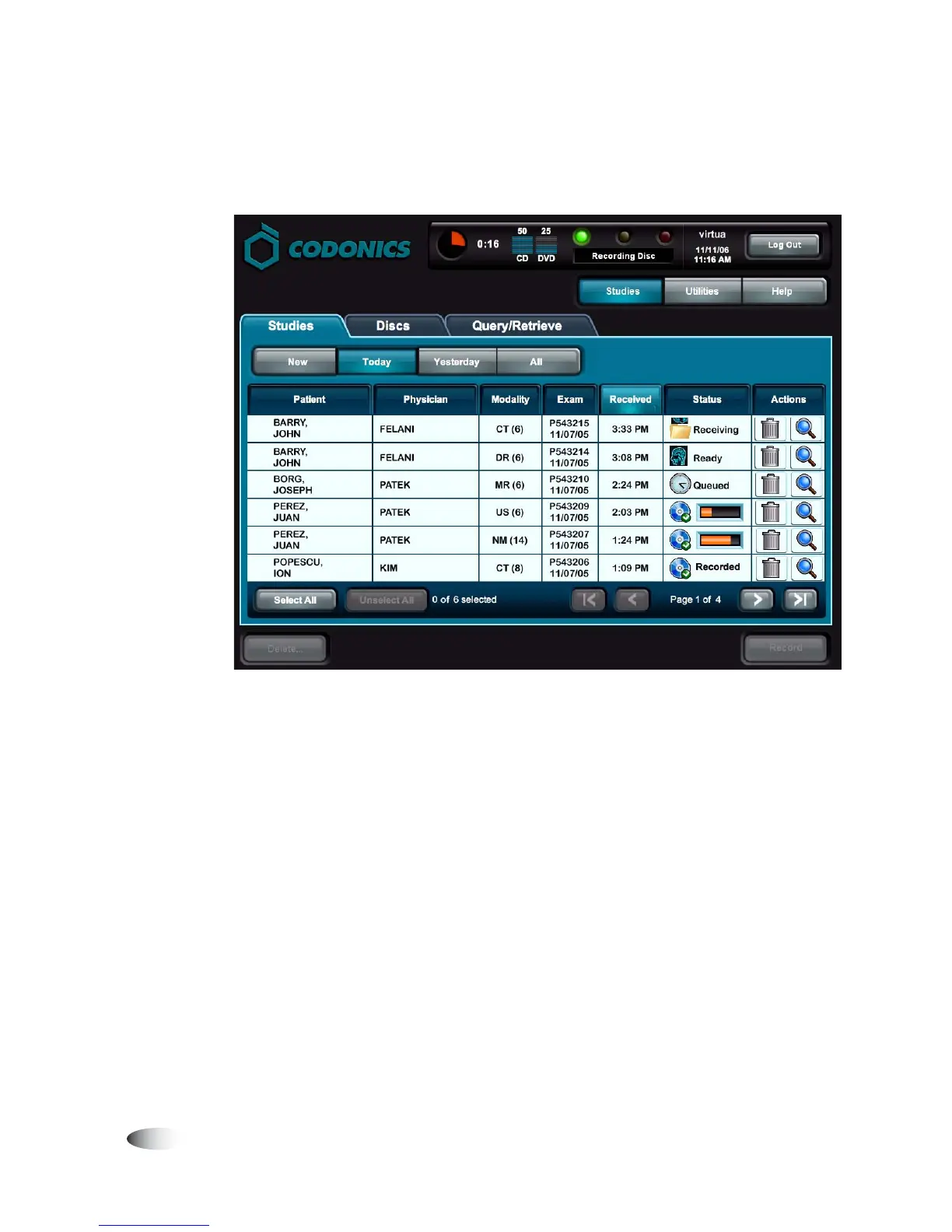
The initial screen displayed after logging in is the
Studies
tab
screen. This is the most commonly used screen.
For information about how to log out, shut down the system, or
reboot the system, refer to “Logging Out” on page 3-39 and
“Shutting Down and Rebooting” on page 3-40.



 To Next Page