4-6 Sending and Retrieving Studies to Virtua
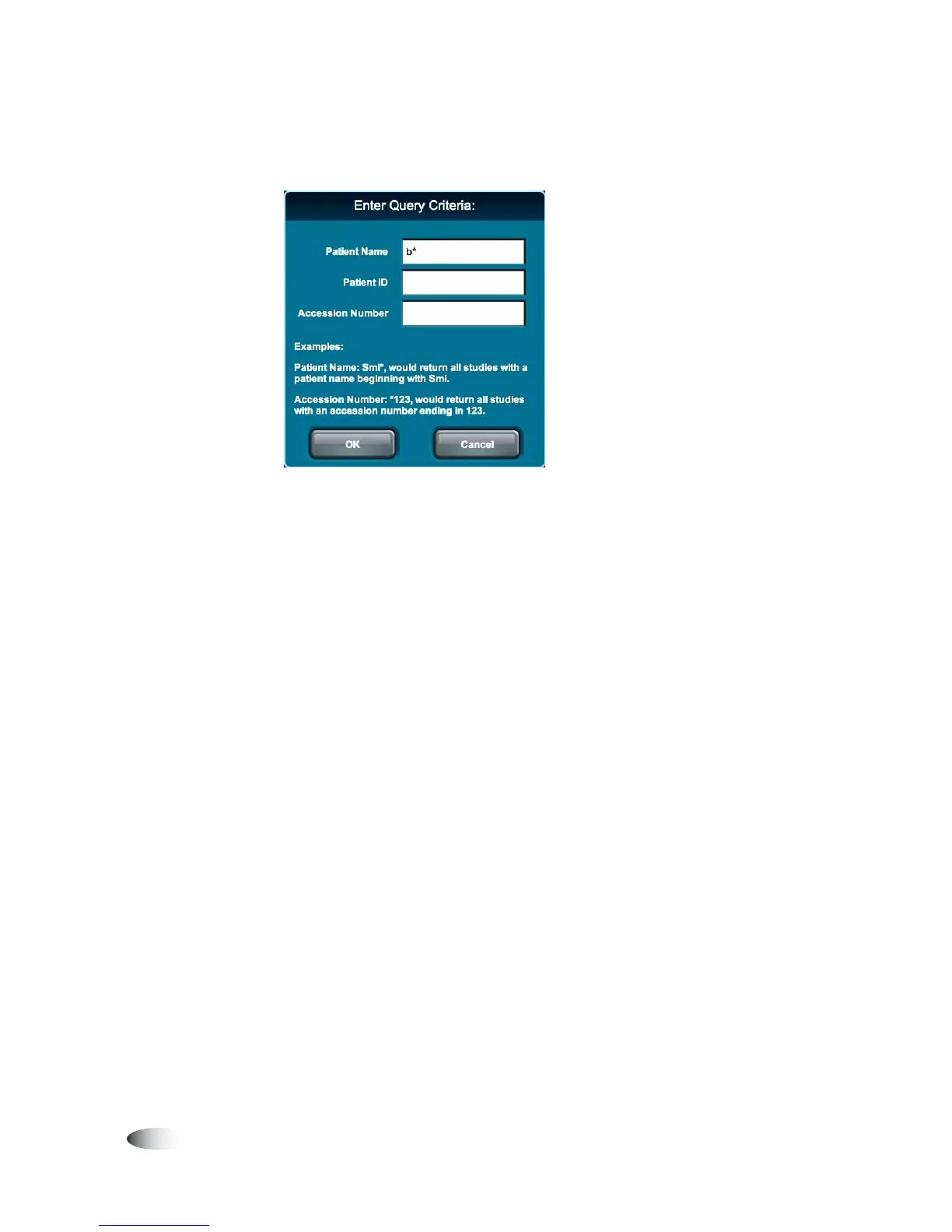
4. Enter the query criteria that identifies the studies to be retrieved.
You can query on the patient name, patient ID, exam accession
number, or any combination of those fields. For more
information about specifying query criteria, including using the
wildcard characters asterisk (*) and question mark(?), refer to
“Query Criteria Guidelines” on page 4-8.
5. After entering the query criteria, touch the
OK
button.
The query is sent to the DICOM Q/R SCP device. When the
query results message is received from the Q/R SCP device, the
studies that matched the query criteria are listed on the
Query/Retrieve tab.
If no studies are listed, then no studies on the Q/R SCP device
matched the query criteria. Modify the query criteria and try
again.



 To Next Page