10-6 Maintenance
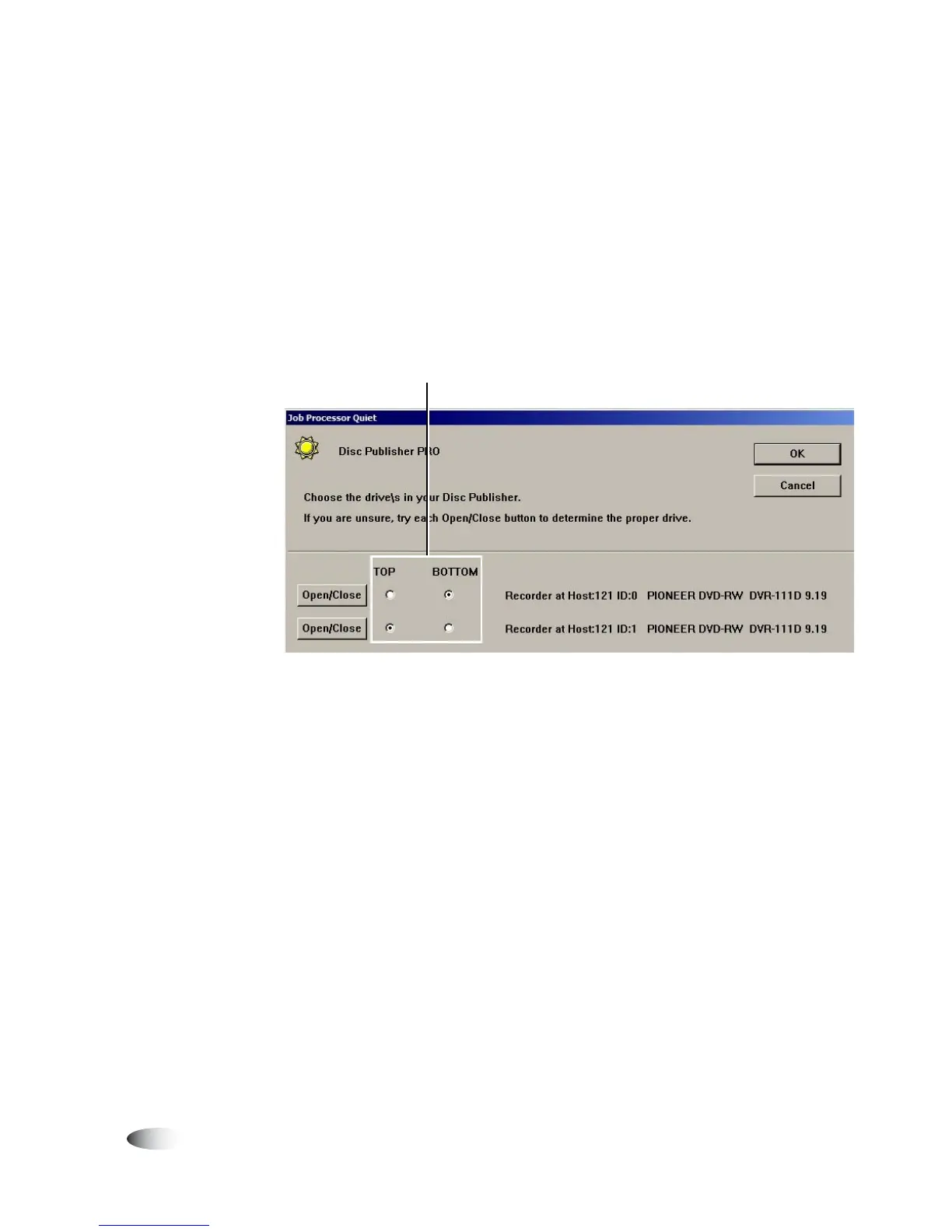
7. In the Identify Disc Drive window, touch the
Open/Close
button
of the first drive listed to see which drive’s tray opens. Touch the
Open/Close
button again to close the tray.
8. On the Identify Disc Drive window, touch the
Top
or
Bottom
option for the first drive listed to identify its location.
9. For the second drive listed, touch the other
Top/Bottom
option
to identify it.
10. When the drives’ locations have been identified, touch the
OK
button to close the utility.
Top and bottom drives identified



 To Next Page