Codonics Virtua User’s Manual 11-15
Device Status and
Troubleshooting
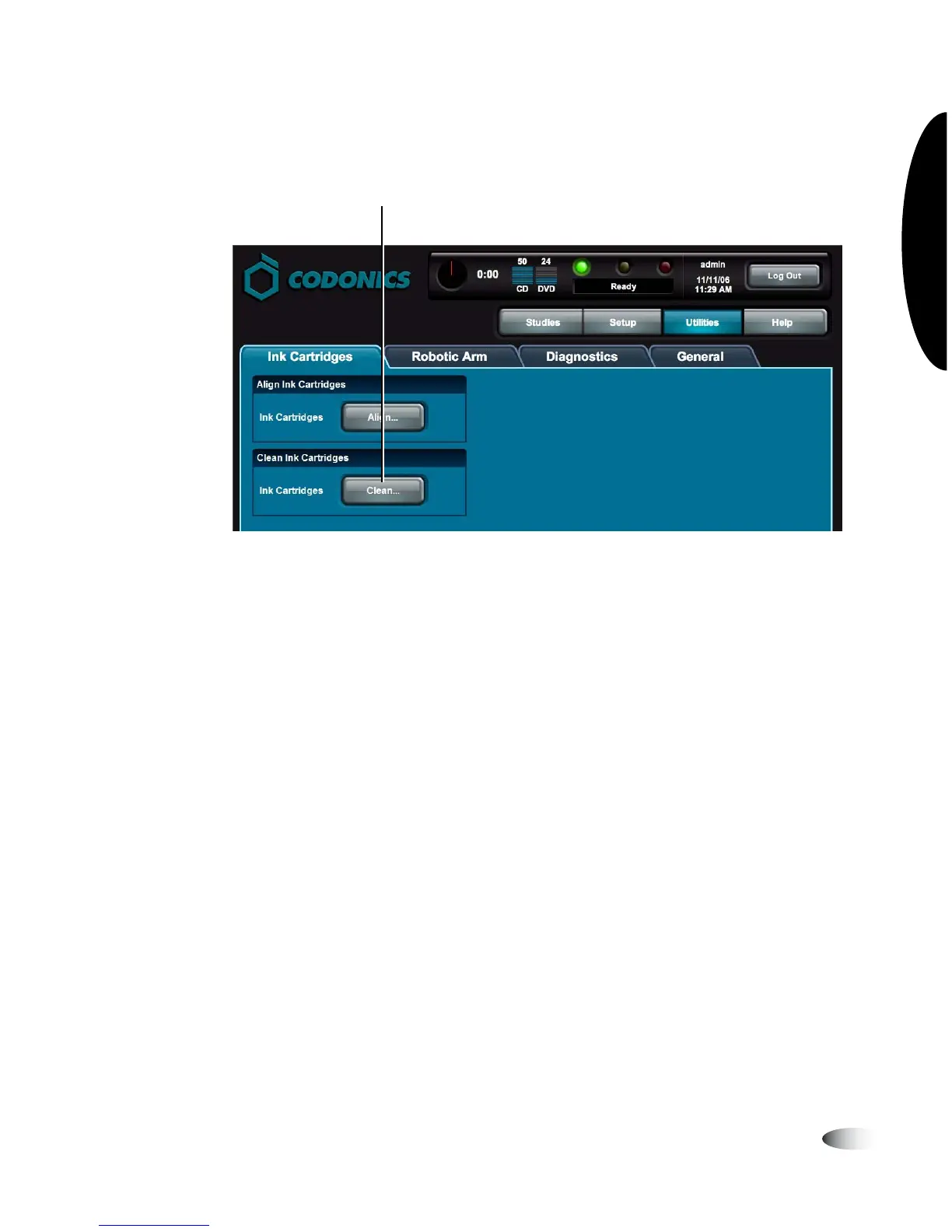
3. Touch the
Clean
button.
You are prompted to confirm the cleaning.
4. Touch the
OK
button.
Cleaning status messages are displayed on the Dashboard.
NOTE:
As part of the cleaning procedure, a special cleaning pattern label is printed on a
disc, and the disc is placed in the output bin. You can dispose of this disc.
Touch Clean to start cleaning
3



 To Next Page