Codonics Virtua User’s Manual 11-21
Device Status and
Troubleshooting
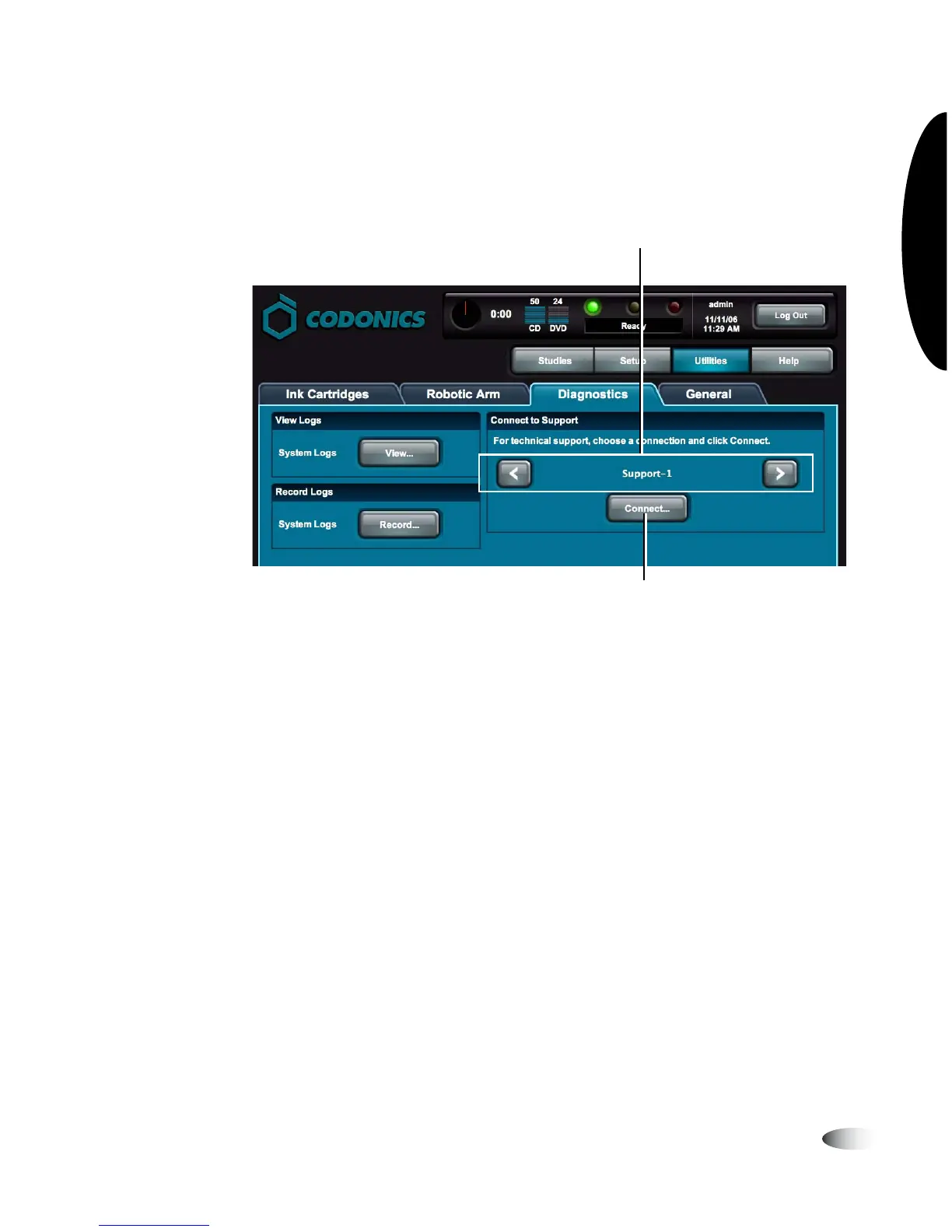
3. Touch the arrow buttons to select the appropriate connection,
as directed by Codonics Technical Support.
4. Touch the
Connect
button to open the connection to Codonics
Technical Support.
Technical Support can now view the device application interface
and control the device. While connected, the
Connect
button
changes to
Disconnect
.
5. When the session is complete, touch the
Disconnect
button to
end the connection.
Select the connection,
as directed by Technical Support
Touch Connect to open the connection



 To Next Page