Codonics Virtua User’s Manual 11-23
Device Status and
Troubleshooting
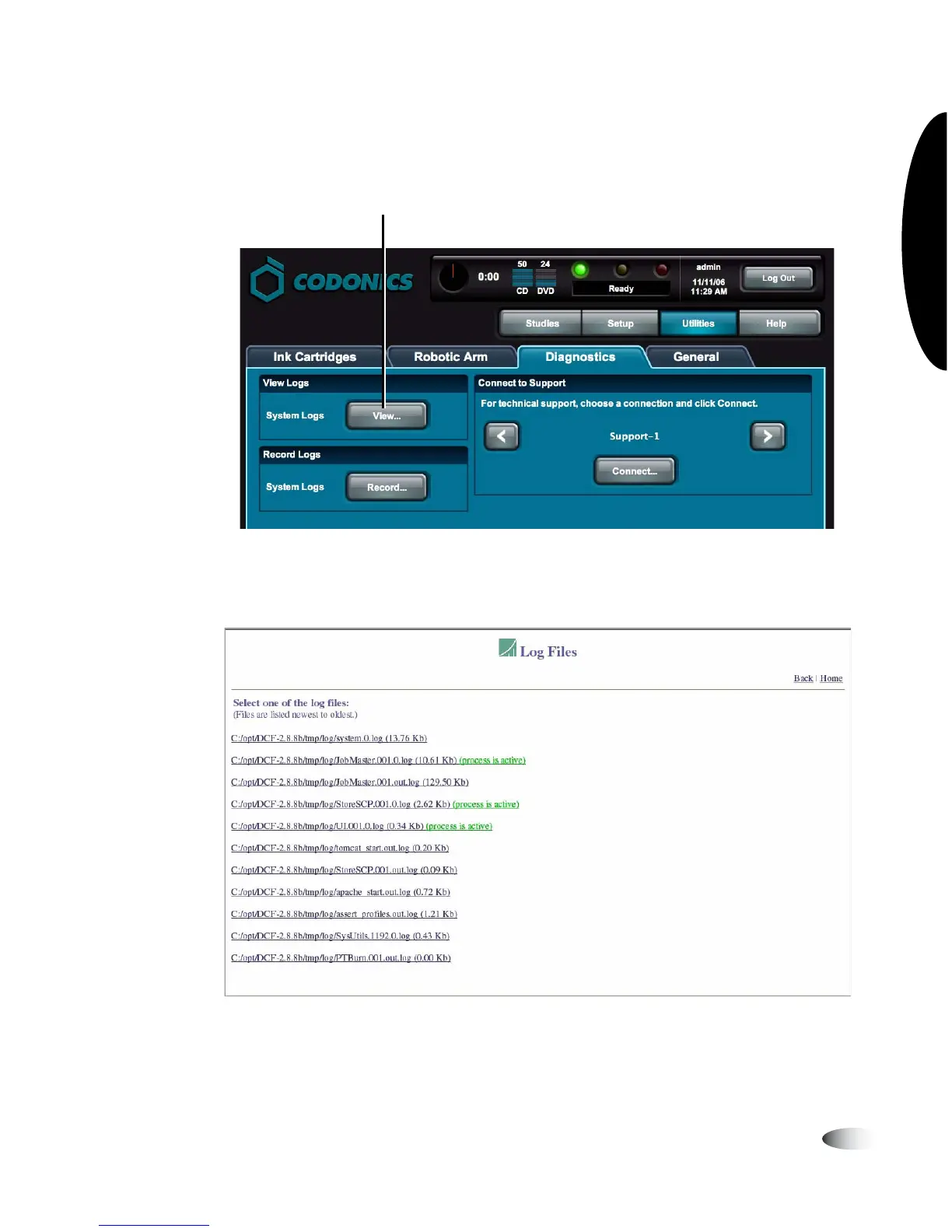
3. In the View Logs panel, touch the
View
button.
The Log Files list displays. Technical Support will direct you
regarding which log files to access.
4. To close the Log Files screen and return to the Utilities screen,
touch the
Back
link on the Log Files home page.
Touch View to open the Log Files page



 To Next Page