Comau Robotics Product Instruction
24
GENERAL DESCRIPTION
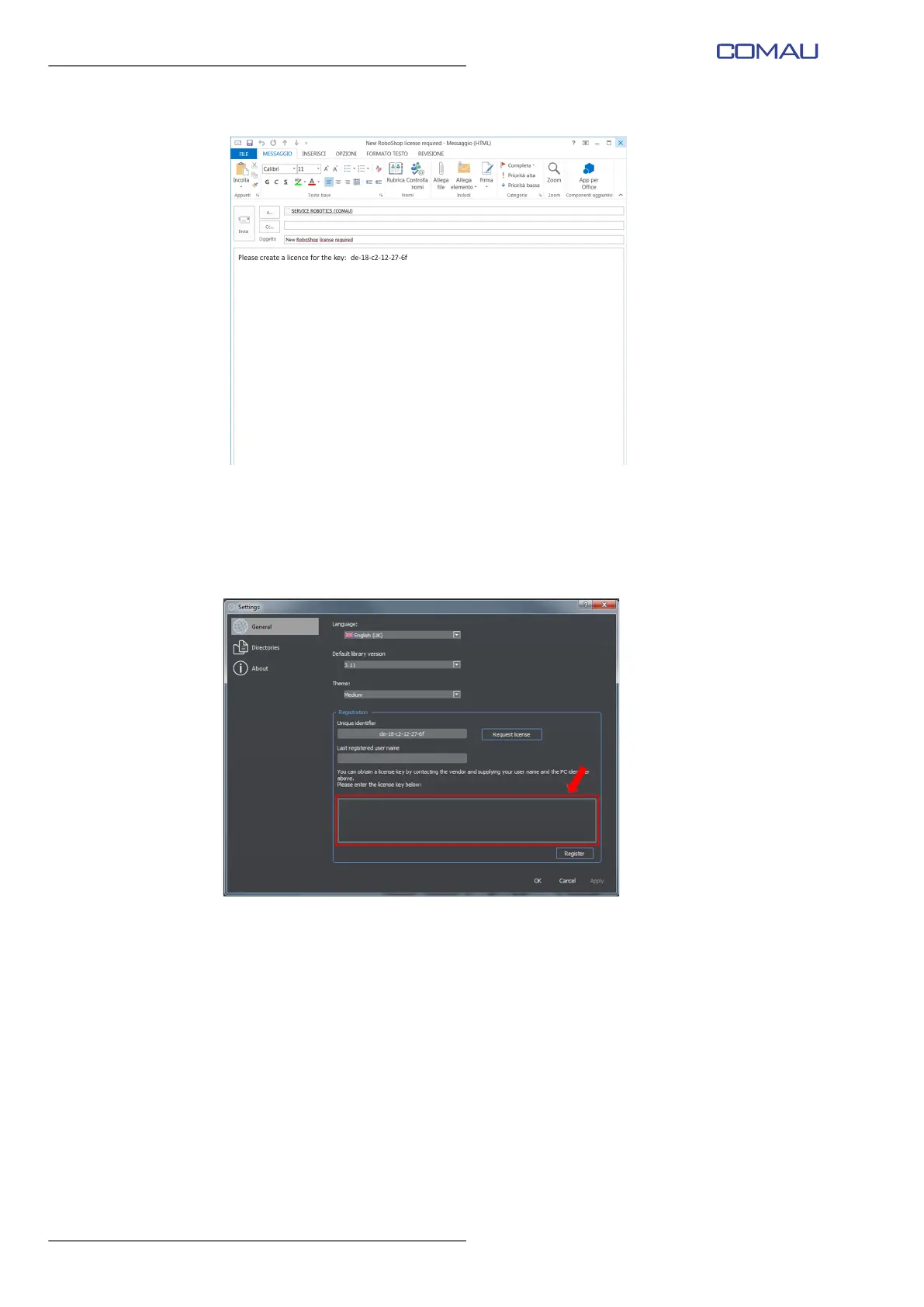
Note that the email is already filled in. Nothing to be added.
d. Send the email.
e. COMAU will return a licence key to be copied to the suitable field (as shown in the
below figure).
f. Click Register key
g. A message is displayed, at the end of the operation, stating that the registration has
been successfully completed.
h. Restart RoboShop program.



 To Next Page