LOGS BAR
79
Comau Robotics Product Instruction
6. LOGS BAR
6.1 Introduction
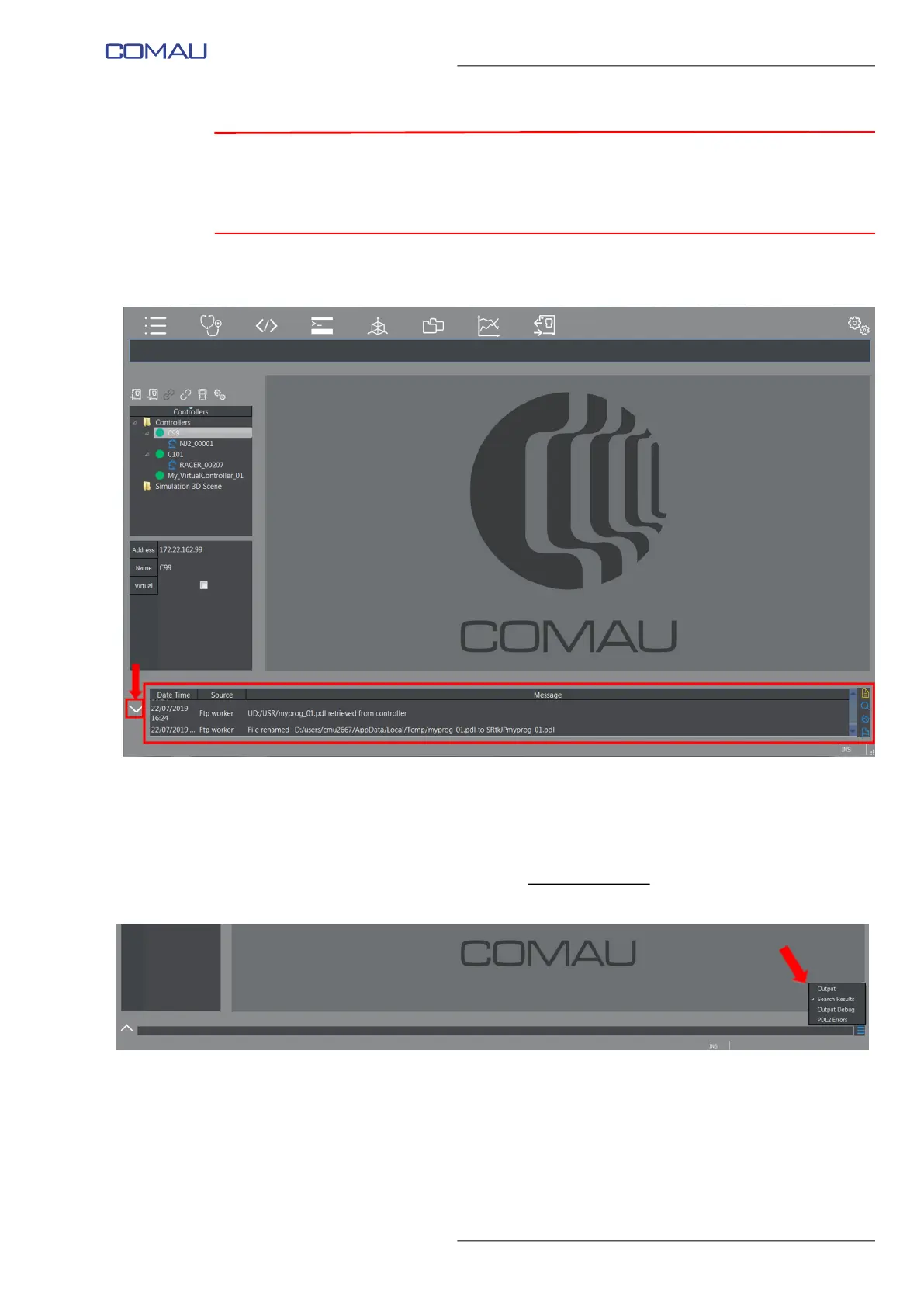
The Logs Bar displays messages coming from RoboShop existing environments and
functionalities and also from active applications, if any.
Using the key placed on its left side (as highlighted in the figure above), the viewing area
can be vertically enlarged/reduced.
When the Logs Bar is reduced, a commands menu
is available on the right (figure
below).
The types of provided information are as follows:
– Output
– Search Results
– Output Debug
– PDL2 Errors.



 To Next Page