Comau Robotics Product Instruction
38
ENVIRONMENTS
The standard attributes (called Properties) associated to the file, are also displayed:
– revision
– title
– version
– file creation date
– author
– host hwere the file has been created.
When opening a binary file (.COD, .VAR or .C5G), it is converted to a readable format
for the user, which means in either Unicode or ASCII code.
4.4.2 Contextual keys
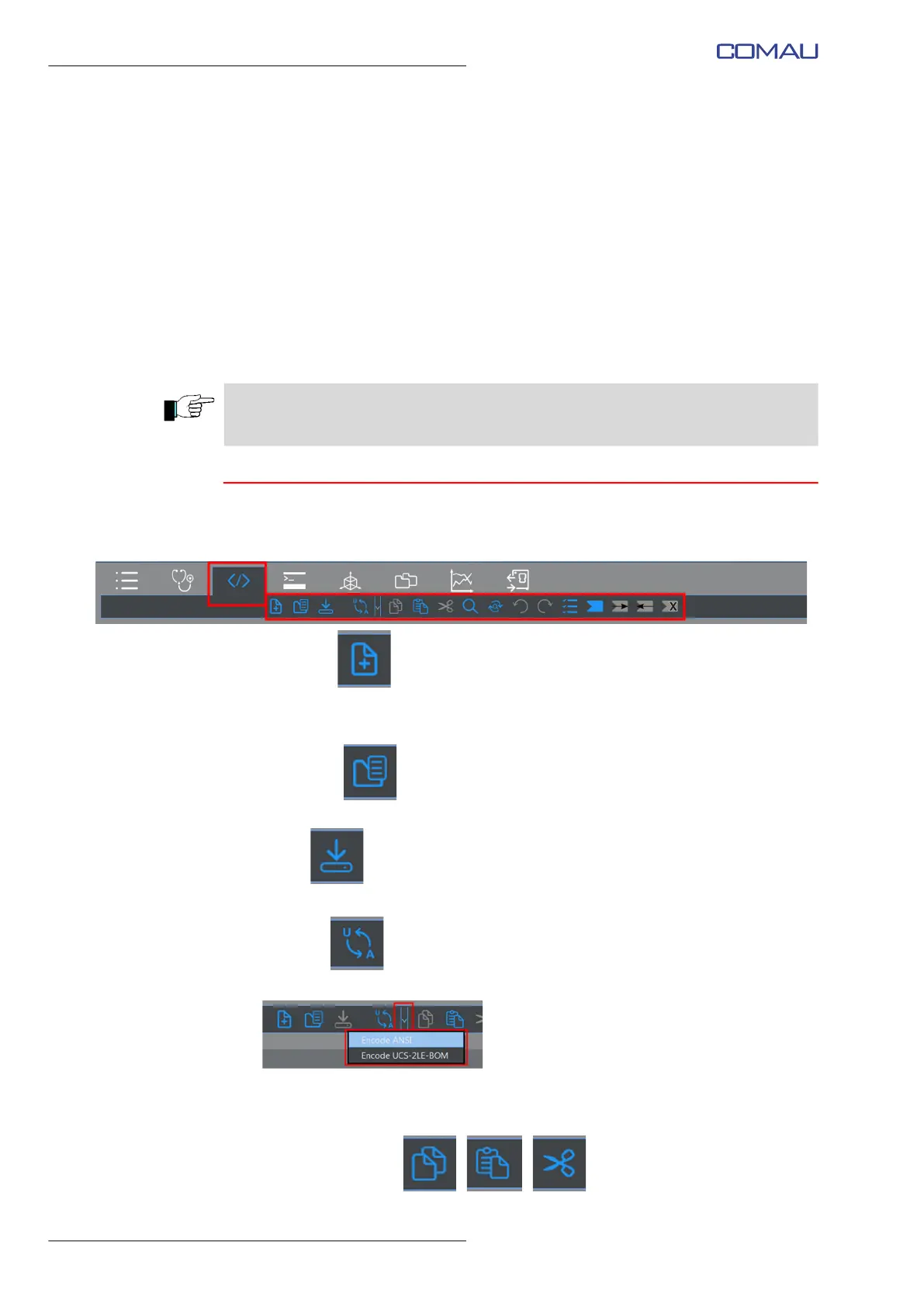
When the environment is open, the following contestual keys are enabled:
– New File
allows creating a new file. The New File window is opened, exactly like when
clicking the Editor key
– Open File
Opens the specified file on the PC
– Save
Saves the file into the source folder
– Encode
Allows specifying how to encode the file content, for viewing it:
• Encode ANSI - ASCII
• Encode UCS-2LE-BOM - Unicode
– Copy - Paste - Cut
Translating a file to the corresponding binary format, can be issued by activating the
Translate command in the File System environment.



 To Next Page