ENVIRONMENTS
55
Comau Robotics Product Instruction
4.9 I/O Configuration
– Description
– Contextual keys.
4.9.1 Description
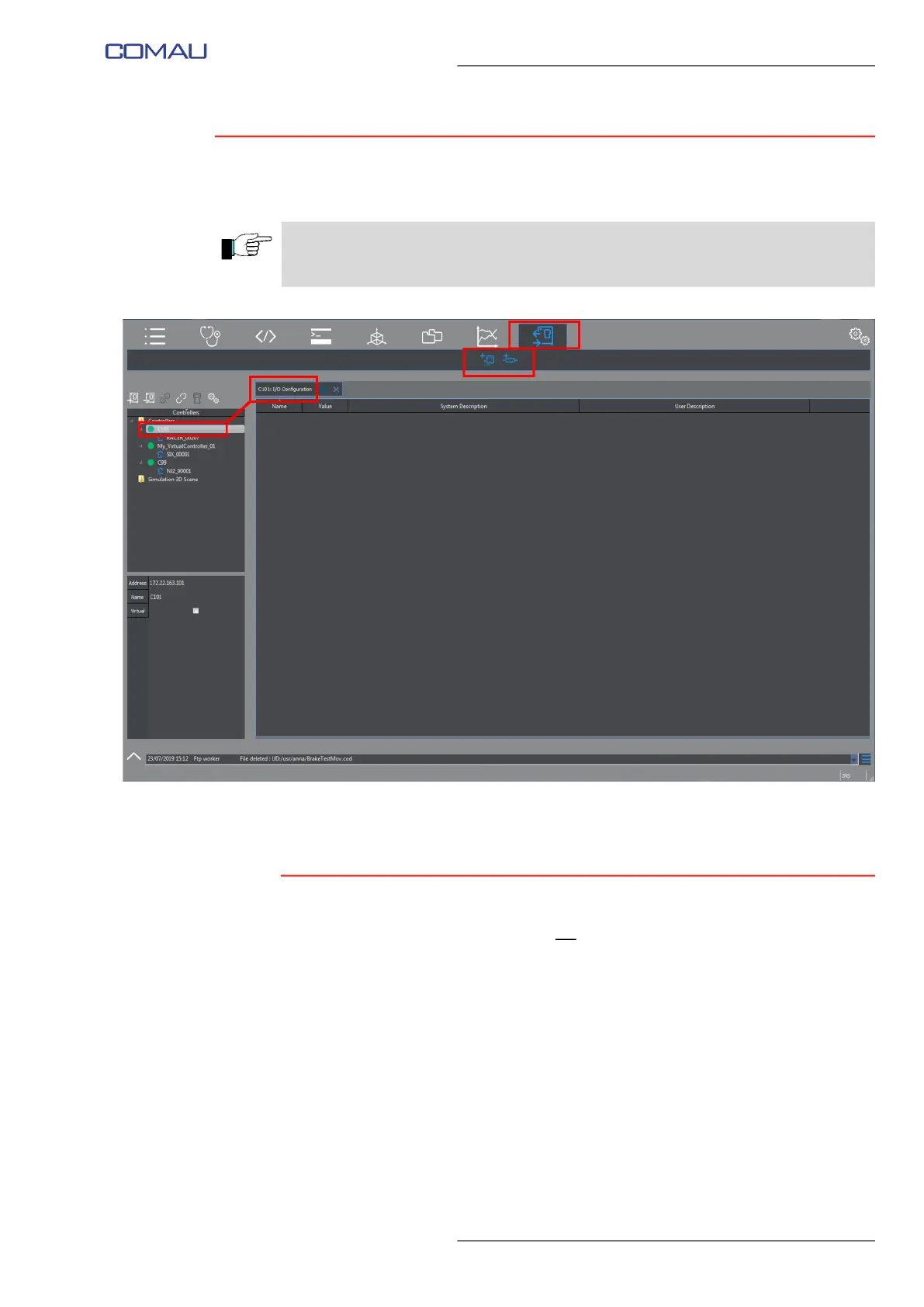
This environment allows viewing the I/O ports configuration corresponding to the
currently selected Control Unit.
Such an information is read-only, i.e. it cannot be modified.
Data displayed by the I/O Configuration environment are dinamically refreshed.
The I/O Configuration panel is composed by two areas (refer to the next figure):
– I/Os list (highlighted in red in the figure)
– name (Port Name) and value of the currently selected I/O port (Current Port
Value) in the list (highlighted in yellow in the figure).
CAUTION - Using this environment is only allowed since 4.11 System Software version,
on Control Units provided with OPC UA option, code CR17926302.
Otherwise this key is disabled.



 To Next Page