MULTICONTROL PANEL
75
Comau Robotics Product Instruction
Click Add... key, (as highlighted in the previous figure), select the wished path and click
Ok to confirm.
Similarly, in the same window, select the wished path, click Remove key and click Ok
to confirm, to delete an existing Import path setting.
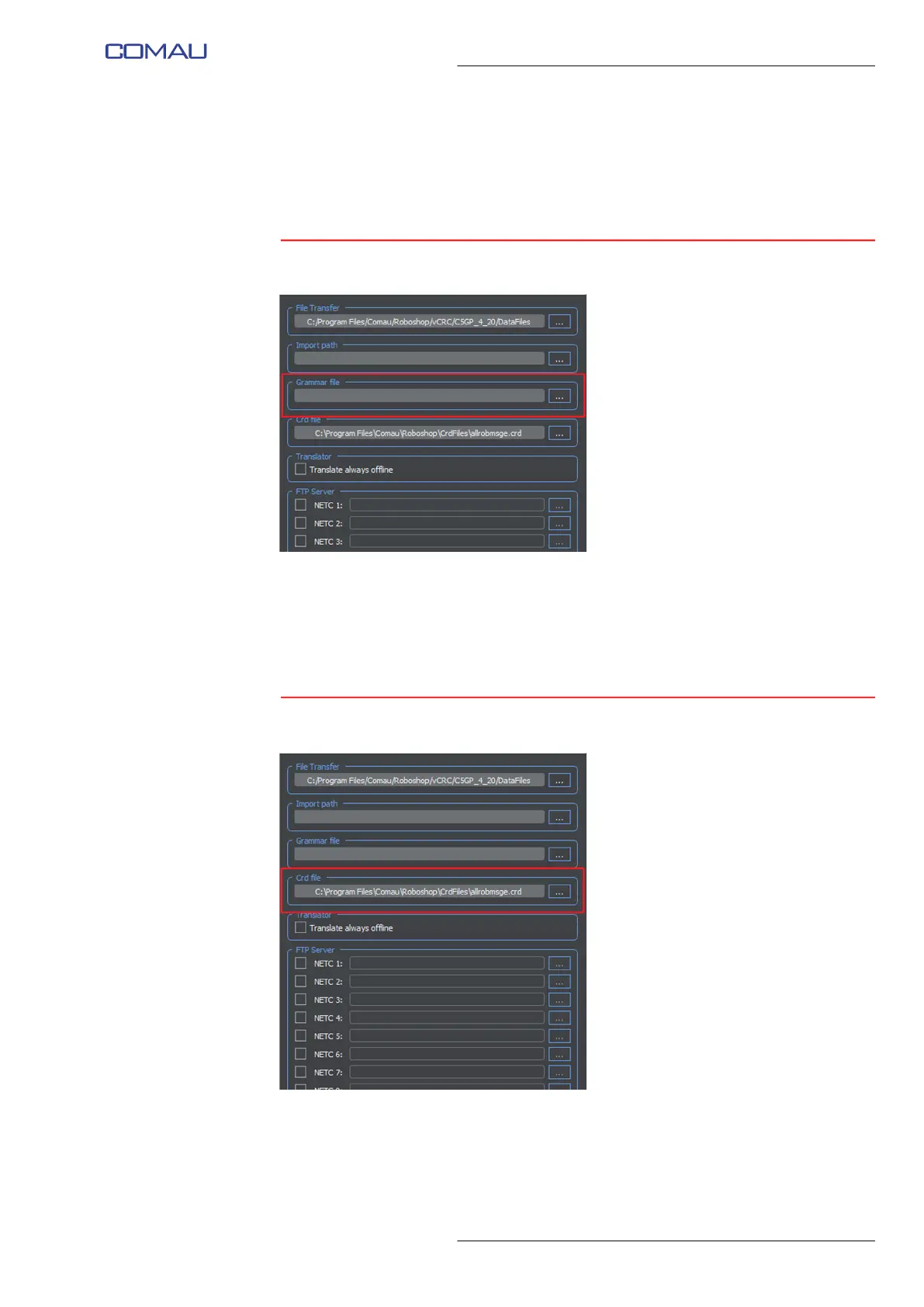
5.2.8.3 Grammar file
This field is used for NODAL systems only. It includes the PC folder in which the nodal
syntax file can be read.
Directly type in the Grammar file field or click ... key (as shown in the figure above), to
select it in the window opened by Roboshop.
5.2.8.4 Crd file
This field allows adding and removing .crd files, i.e. the ones in which looking for errors
cause and remedy from the Control Unit. Such files can be stored in whichever device
on the network, not necessarily local to the PC on which RoboShop is active.
Click ... key (as shown in the figure above), to add or remove a file.



 To Next Page