ENVIRONMENTS
29
Comau Robotics Product Instruction
4. ENVIRONMENTS
4.1 Introduction
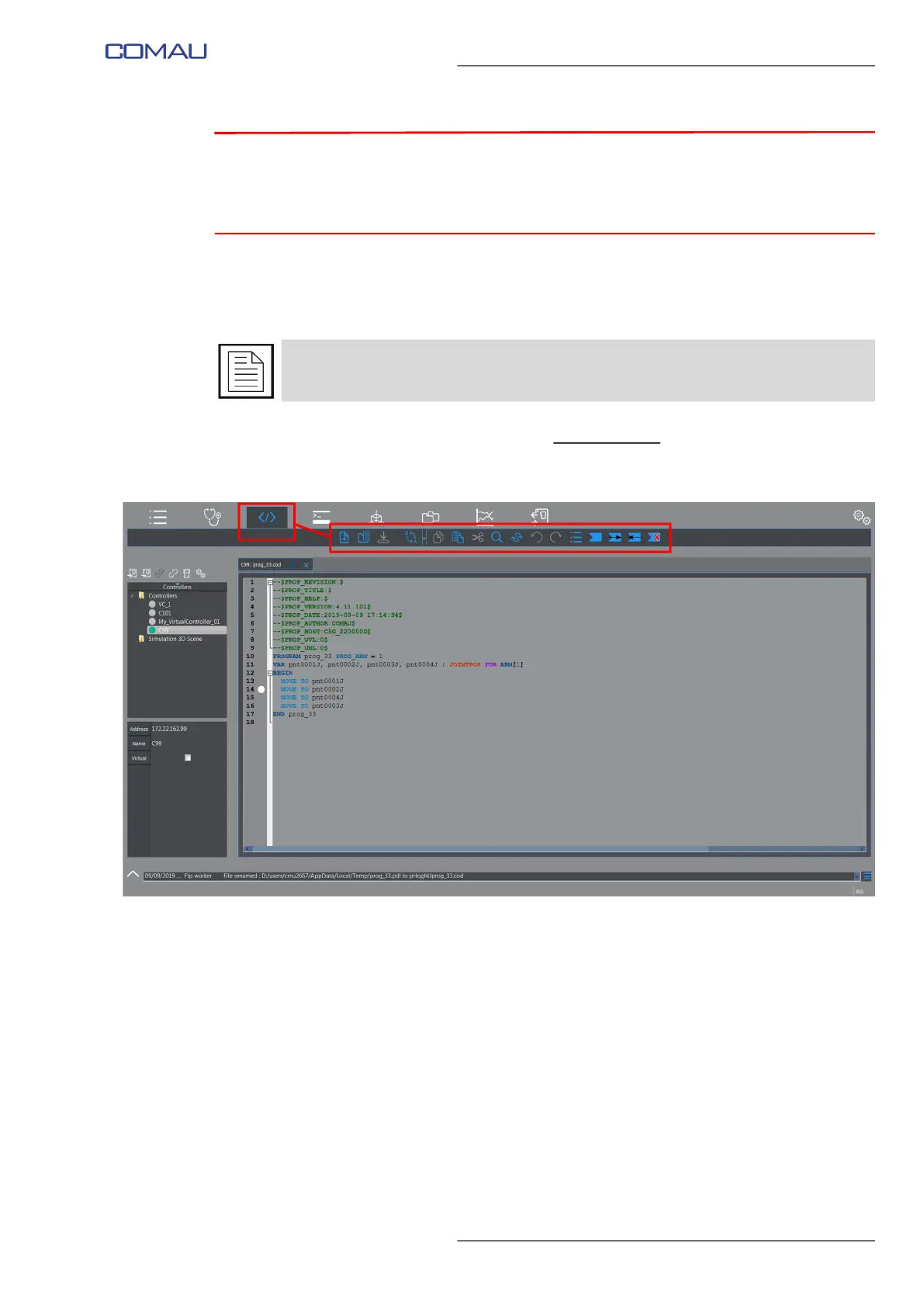
This area includes keys which allow displaying the wished Environments.
Depending on the Environment, some contextual keys
might become available, which
are necessary to properly handle the Environment itself.
In the shown below example, the Editor environment Contextual keys are highlighted.
The available environments are:
– Logger
– Cause&Remedy
– Editor
– Terminal
– 3D Visualization
– File System
– Moni Viewer
– I/O Configuration
– Settings.
Note that some Environments are even available when disconnected from the Control
Unit: their keys are active (displayed in white) even when offline.



 To Next Page