Comau Robotics Product Instruction
36
ENVIRONMENTS
– hn_ms.crd - handling
– st_ms.crd - stud
– sw_ms.crd - spot welding
– tc_ms.crd - tool change.
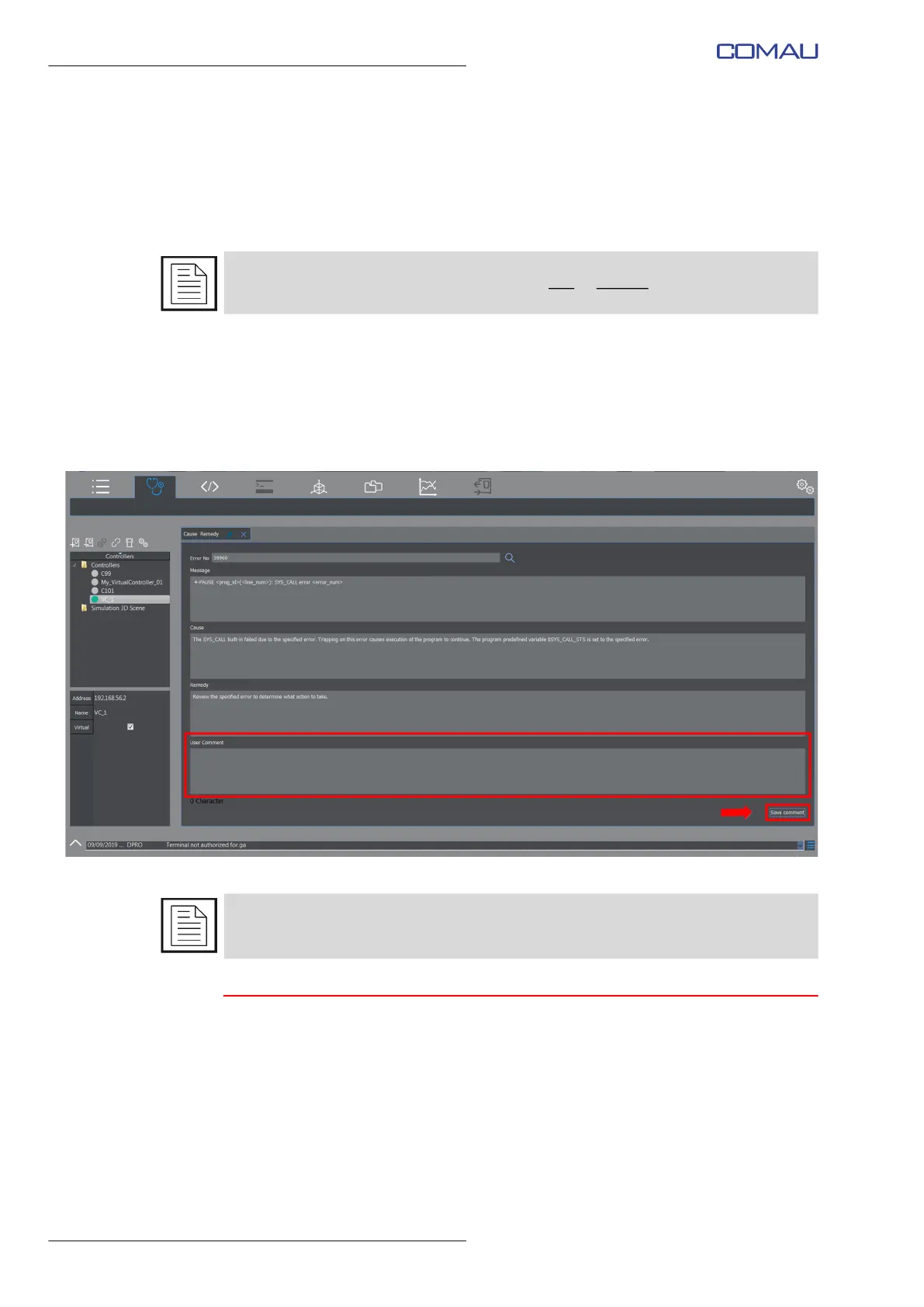
The user is allowed to customize any comments associated to a certain error, by typing
his/her own comment in the associated User Comment field and then clicking Save
Comment key to confirm. Such a text string is saved in the file specified in the User text
archive field.
If deleting the existing comment is wished, cancel the text string from the User
Comment field and then click Save Comment key to confirm.
4.3.2 Contextual keys
None.
Refer to par. 4.10.1.2.4 Crd files on page 63 to add or remove a .CRD file.
Note that, in case of error marked as a SYSTEM ERROR, Cause and Remedy are not
displayed.
Please contact COMAU Customer Service in such a situation.



 To Next Page