Comau Robotics Product Instruction
30
ENVIRONMENTS
4.2 Logger
– Description
– Contextual keys.
4.2.1 Description
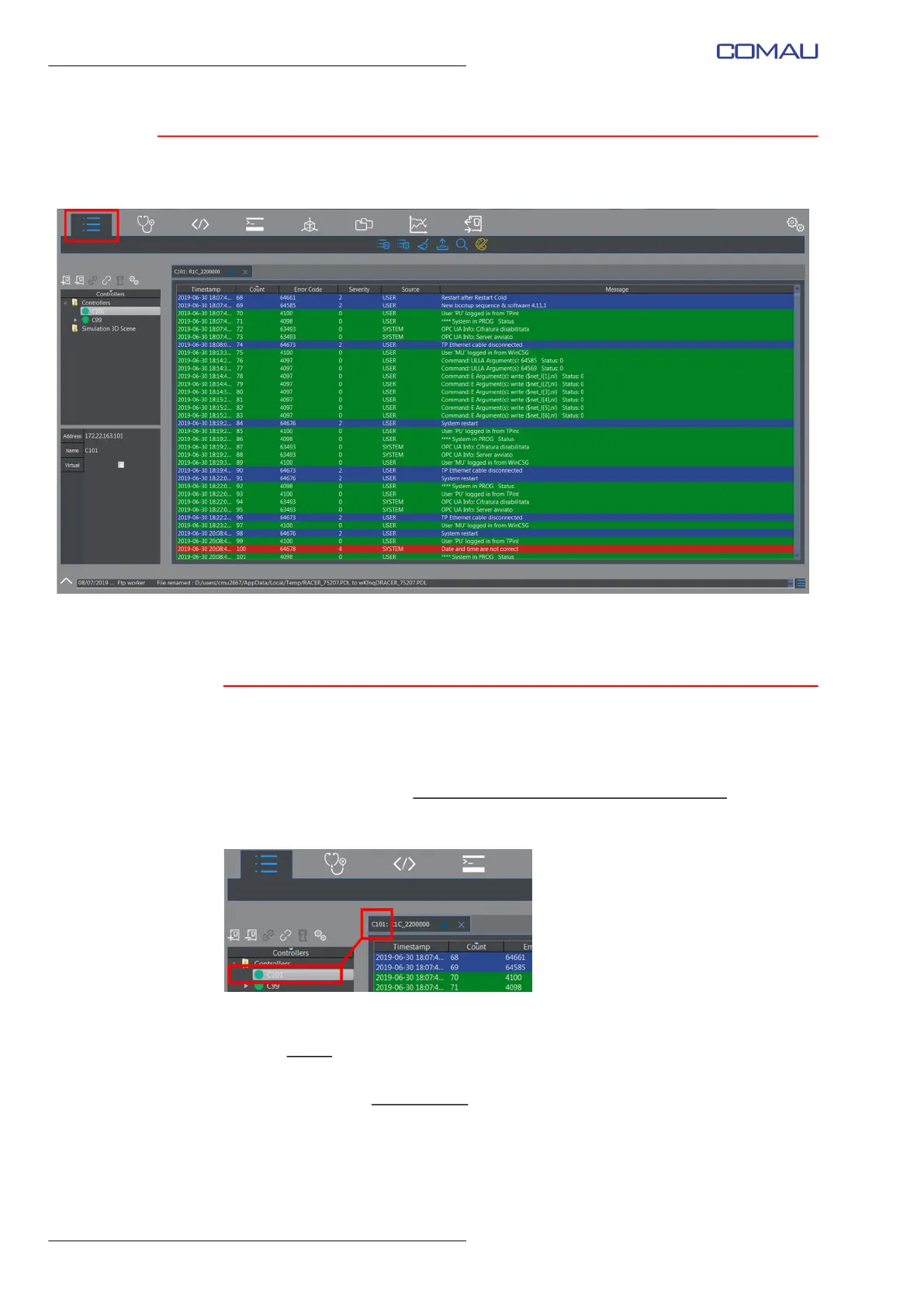
This environment allows viewing, in the form of a list, the system Log files content.
Each time this key is clicked, RoboShop opens a new session of the Logger
environment, related to the currently selected and connected Control Unit
.
The name of the Control Unit associated to a session is displayed in the session label
(tab), as shown in the figure below.
The viewable Log files are:
– the history
of the events occurred on the Control Unit associated to the Logger
session - System Log contextual key
– the list of all the file operations
- File Operation contextual key.
To access the Log files, act in one of the following ways:
– to view either the System Log or the File Operation list, select the wished Control
Unit, open the Logger environment by clicking the correponding key and select the



 To Next Page