Comau Robotics Product Instruction
72
MULTICONTROL PANEL
When this virtual key is clicked, the virtual keyboard is displayed in the front, over the
virtual screen.
In the shown below example, the MOVE ON TOP key is pressed in the figure on the left,
so the visualization is changed, as shown in the figure on the right.
5.2.7.4 Virtual State Selector
This “key” simulates the real State Selector; it allows changing the System state by
means of the mouse keys, regardless of whether right
or left.
The available states, like for the real System, are:
– Progr - programming
– Local - auto local
– Remote - auto remote.
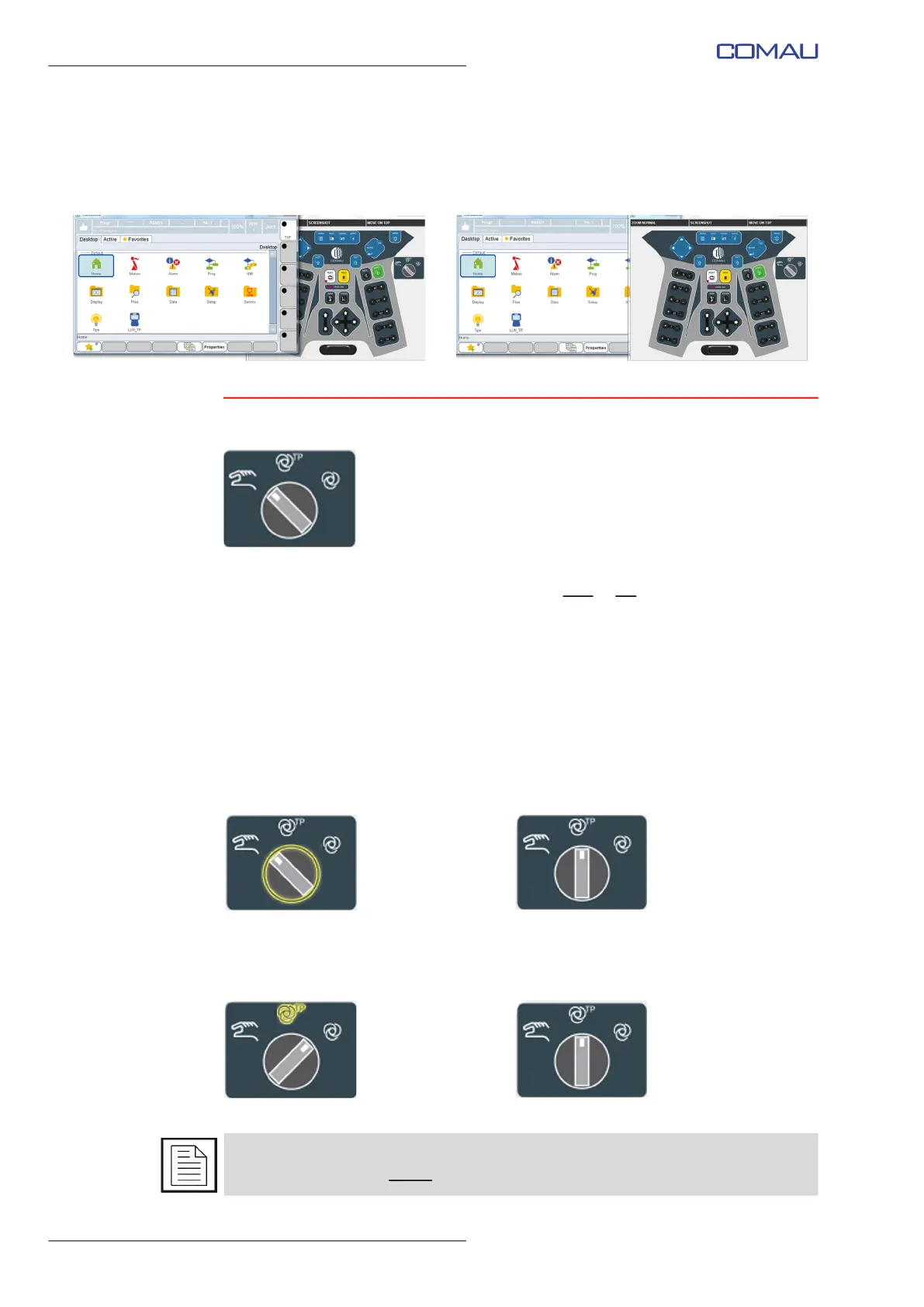
Two operation modalities are available:
– circular - at each click on the virtual selector (see figure below on the left), the
System switches to the subsequent state; in the shown example, it is switched to
Local, since the circular sequence is Progr -> Local -> Remote -> Progr, etc.
– direct - clicking on one of the three symbols representing the available states, the
System directly switches to the required state; in the shown example (figure below)
it is switched to Local, since such a state was required by the user.
As shown in the previous figures, the virtual key press or the wished state “reservation”
are both represented in yellow.



 To Next Page