ENVIRONMENTS
43
Comau Robotics Product Instruction
4.6 3D Visualization
– Description
– Contextual keys.
4.6.1 Description
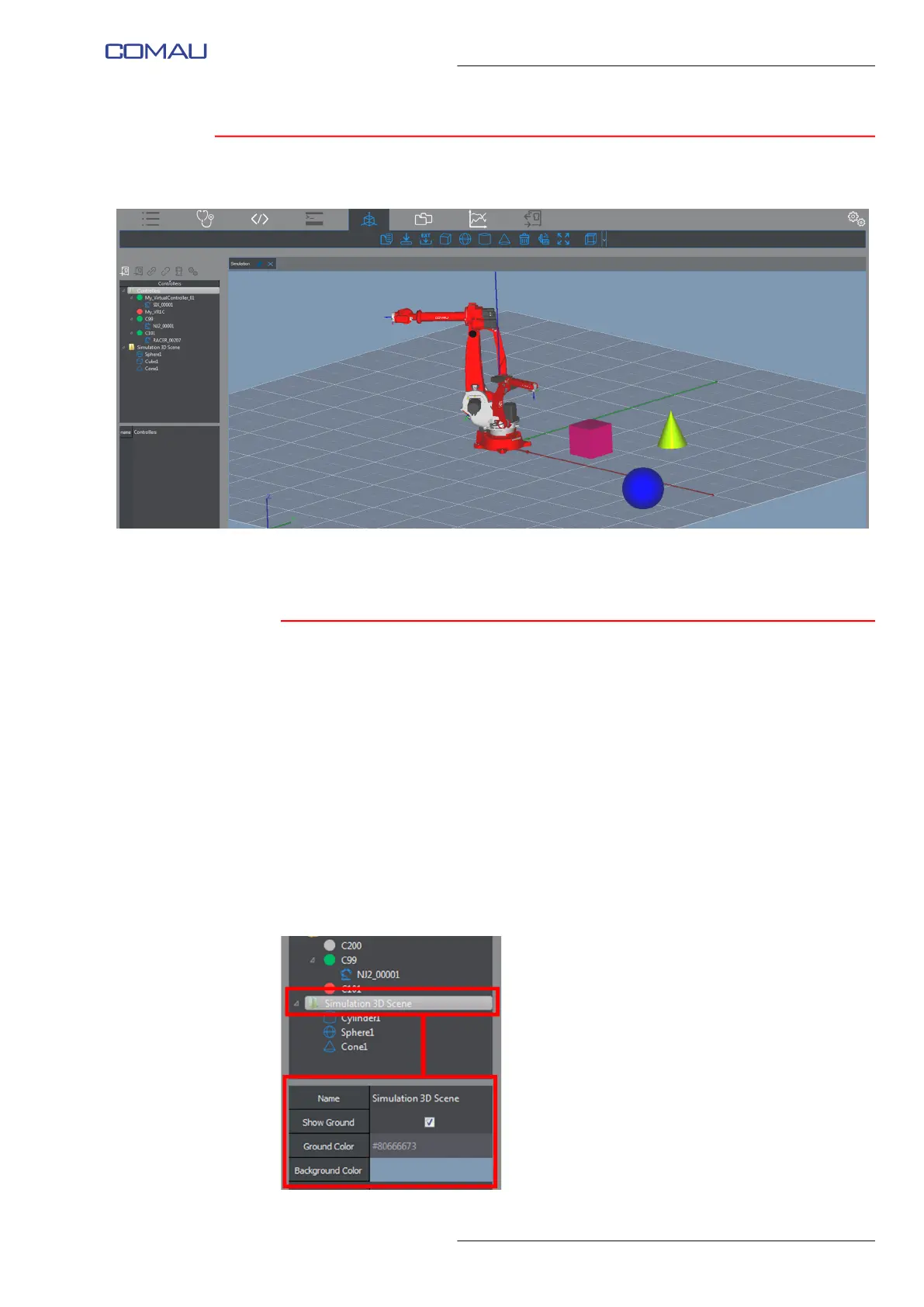
This key opens the Visualizzazione 3D environment.
The home screen can be modified by using the mouse, as follows:
– pressing the mouse wheel - keeping the wheel pressed and moving the mouse
at the same time, moves the scene (floor, robot and all objects) in any directions
– long pressing the left key - keeping the left key pressed and moving the mouse
at the same time, the floor inclination and therefore the scene view, can be
modified
– mouse wheel rotation - rotating the wheel, causes the scene to be zoomed in and
out.
It is also allowed modifying the general settings of the 3D simulation scene, by selecting
the Simulation 3D Scene folder in the Nodes Panel (figure below).



 To Next Page