ENVIRONMENTS
49
Comau Robotics Product Instruction
4.7 File System
– Description
– Contextual keys.
4.7.1 Description
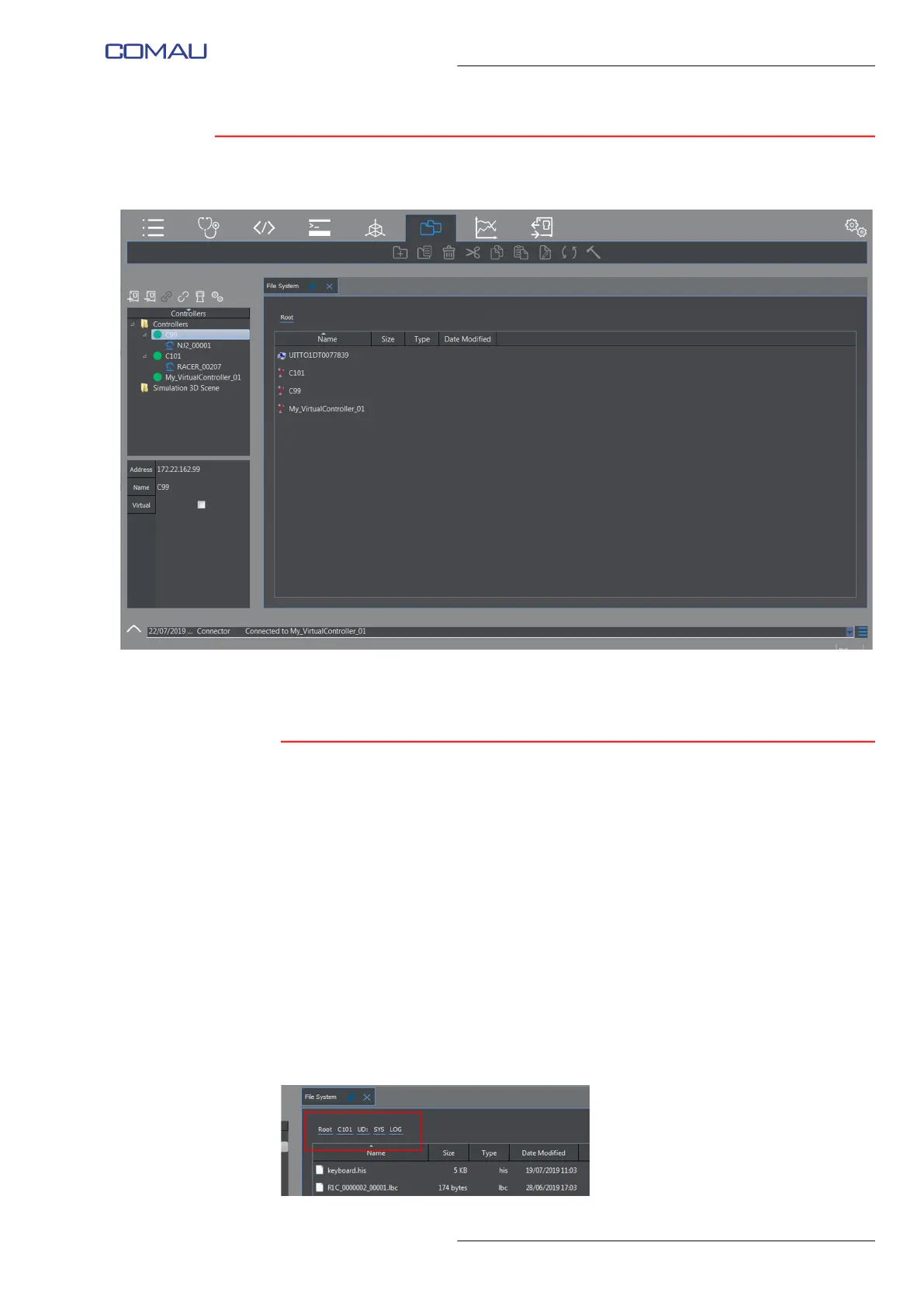
This key allows displaying the tree structure including folders and corresponding files for
all the devices existing both on the PC and on the currently connected Control Units.
The displayed data are:
– Name
– Size
– Type
– date of the last modification (Date Modified).
The path to the selected folder is displayed in the first row of the window and can be
used to go back to higher hierarchy folders, by clicking the wished level in the path.
In the shown below example, the LOG folder files are viewed. Nell’esempio della figura
sottostante sono visualizzati i file della cartella LOG. Clicking in the path, the user could
go back to either SYS, or UD: or C101 Control Unit, or the Root.



 To Next Page