ENVIRONMENTS
41
Comau Robotics Product Instruction
4.5 Terminal
– Description
– Contextual keys.
4.5.1 Description
It represents the direct Interface with the currently selected Control Unit. It allows to
issue all the available System Commands, i.e. configuration, information display,
instructions immediate execution, files handling, editing, execution memory handling,
programs handling, settings, etc.
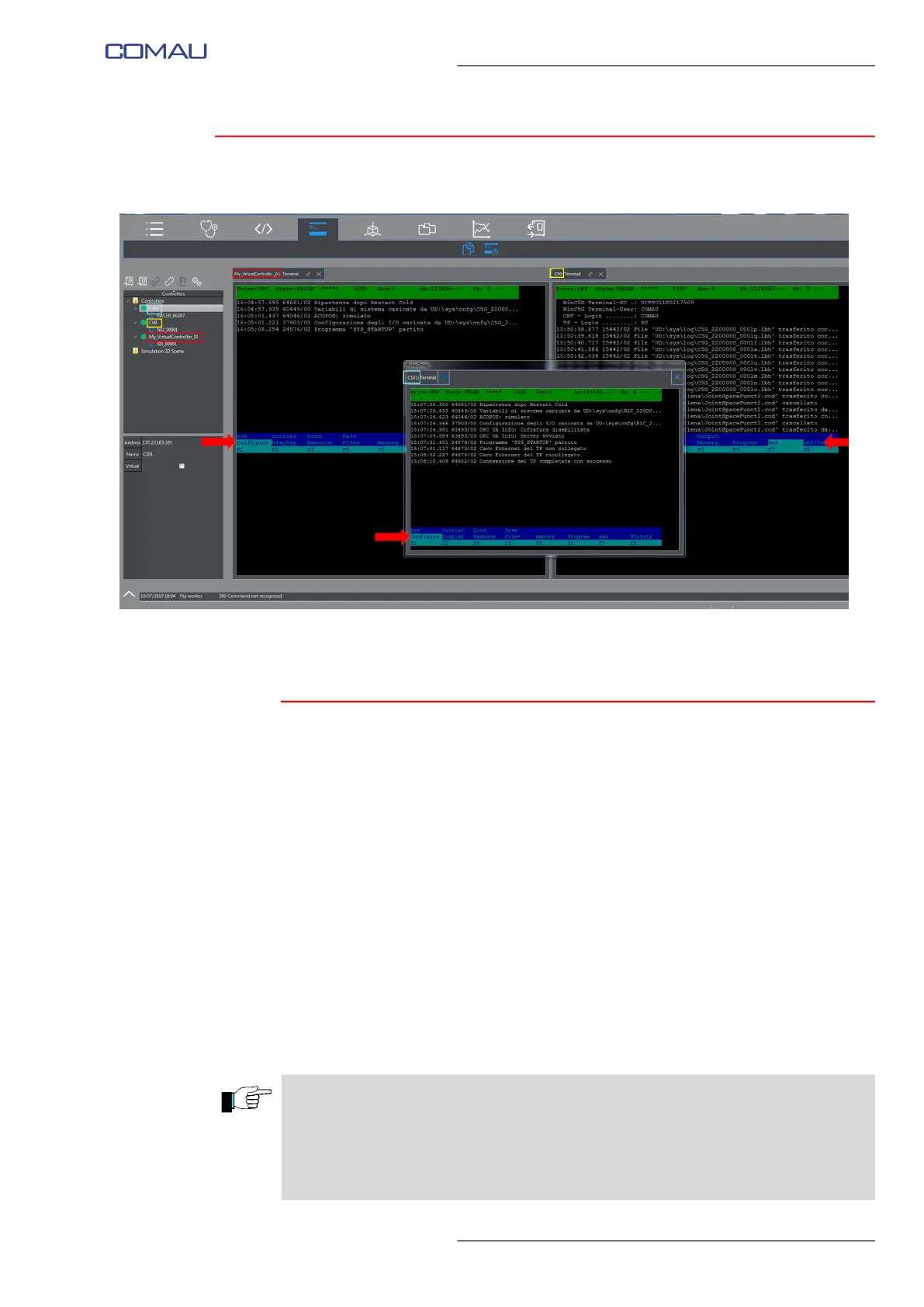
During the same RoboShop session, a Terminal window for each one of the connected
Control Units can be opened, selecting one at a time and clicking this key each time.
An example displaying three Terminal windows at the same time (associated to three
individual Control Units) is shown in the figure above.
La frecce presenti nell’esempio mostrato nella figura sopra, indicano la linea dei
comandi nella finestra Terminal di ciascuna delle tre Unità di Controllo.
Commands are displayed in the lowest row of the menu and can be selected by either
clicking on them or using the associated F1-F8 functional keys.
The red arrow in the figure above, indicates the command line in the Terminal window
of each Control Unit.
NOTEs ABOUT DIRECTORIES
– In case of file transfer from PC to Control Unit, set the PC side directory to be used.
Refer to Settings - Directories function.
– It is also allowed to set the directory which a program will use to transfer files
from/to the selected device on the selected Control Unit. Refer to Settings -
Directories function.



 To Next Page