Comau Robotics Product Instruction
40
ENVIRONMENTS
– Bookmarks
allow operating with bookmarks which help to quicker move inside the being edited
file; they are mainly useful with big files. The available keys, according to the figure
above, are as follows:
• Toggle bookmark sets the bookmark at the current position
• Next bookmark moves the Editor cursor to the next bookmark
• Previous bookmark moves the Editor cursor to the previous bookmark
• Delete all bookmarks deletes ALL the currently set bookmarks.
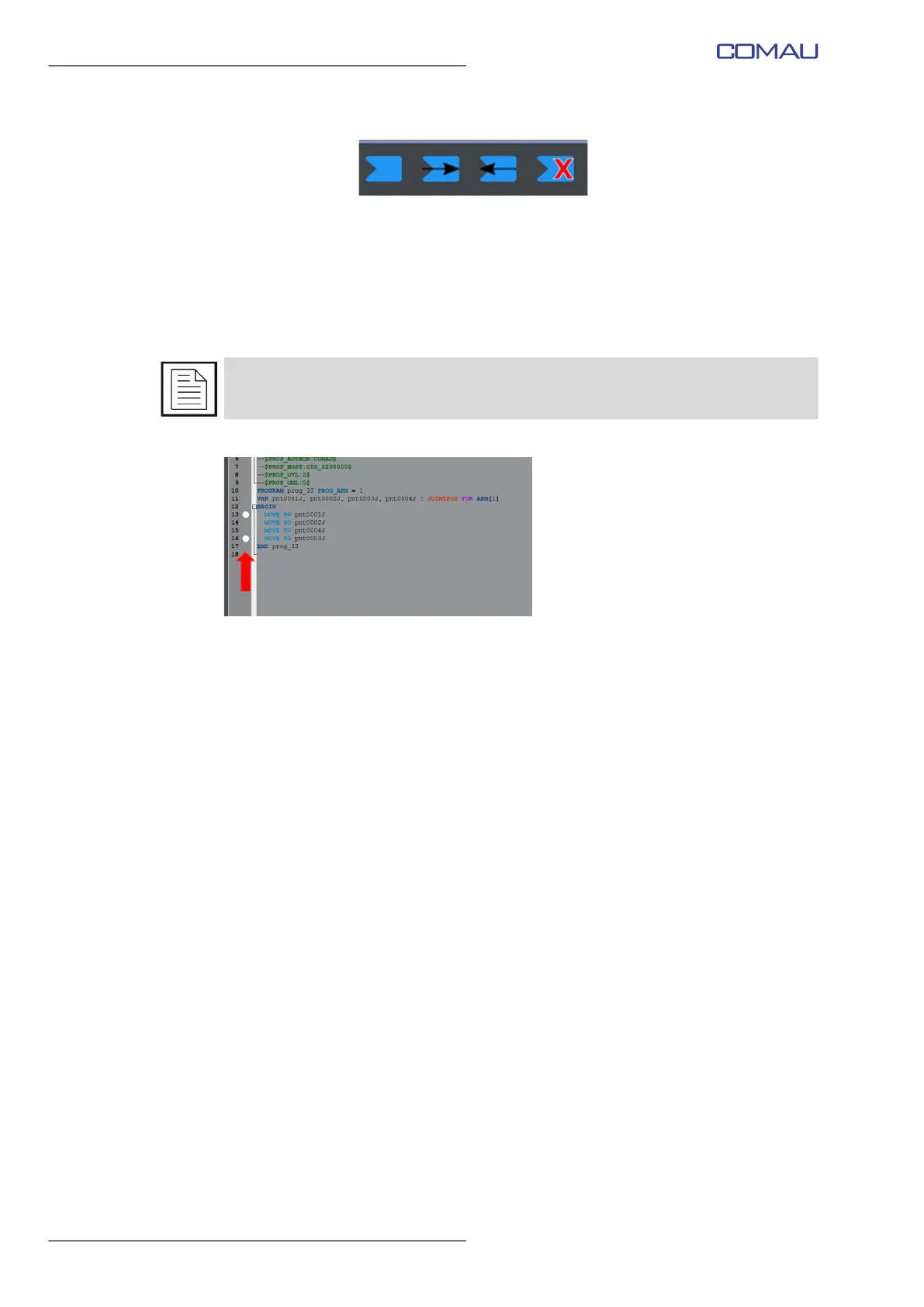
A fast way to set/delete a bookmark, is to click inside the vertical bar on the left of the
displayed program, as indicated in the figure below.



 To Next Page