Comau Robotics Product Instruction
46
ENVIRONMENTS
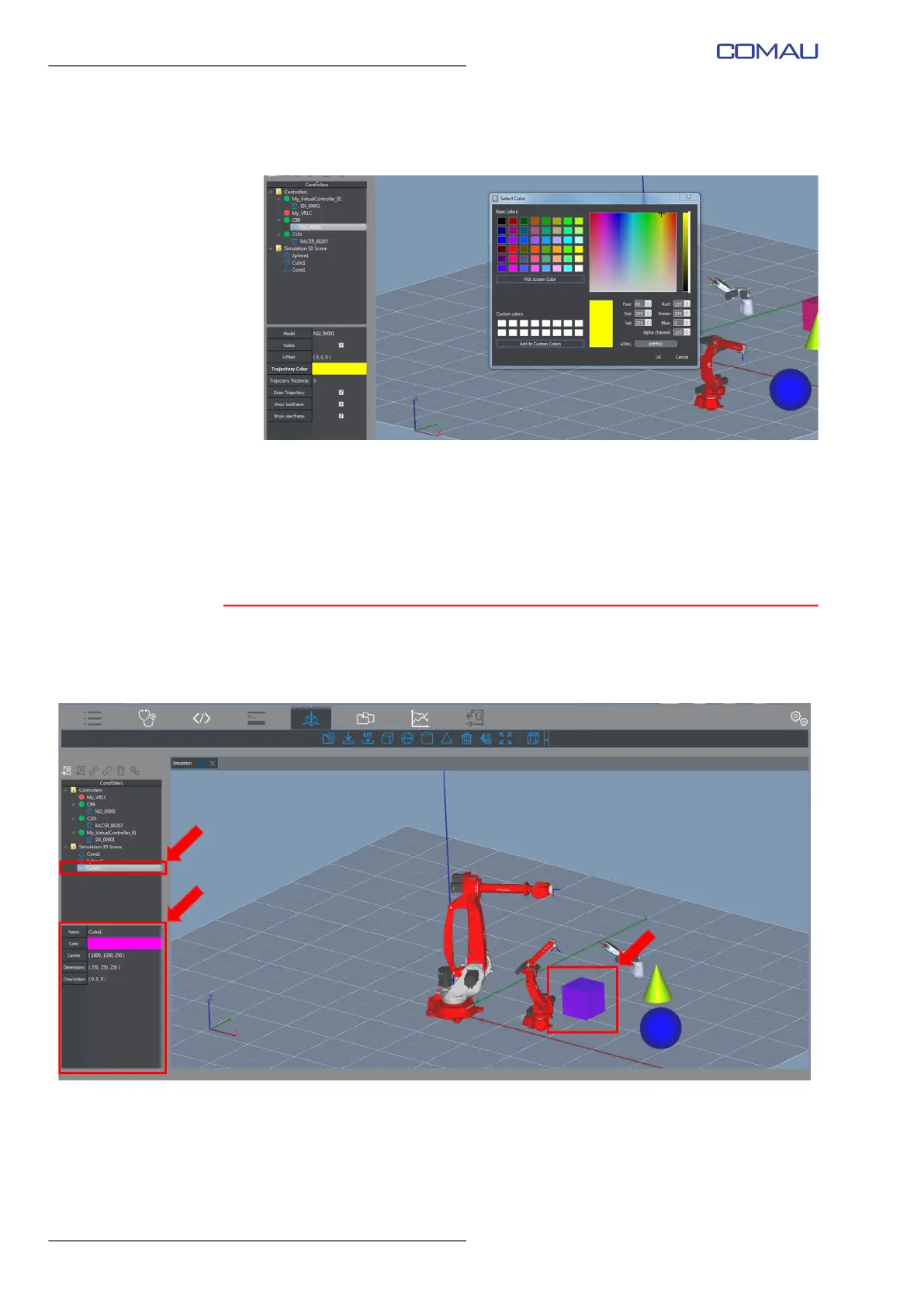
To modify the trace color, click the colored band to open the colors table (next
figure), choose the wished one and click OK to confirm
• Trajectory Thickness - this is the displayed trajectory thickness. Click its
value and modify it as wished
• Draw Trajectory - select this checkbox to enable viewing the trajectory. Use
the Delete Trace contextual key to cancel the currently displayed trajectory.
– Show toolframe, Show userframe - select them to enable viewing, respectively,
the Tool frame and the User frame.
4.6.1.2 Object
Selecting an object in the Simulation 3D scene folder, its settings are displayed in the
Details Panel (figure below).
The user is allowed to modify them as wished. The available fields are:
– Name - object name
– Color - object color
To modify the color, click it to open the colors table (next figure), choose the wished
one and click OK to confirm.



 To Next Page