Comau Robotics Product Instruction
50
ENVIRONMENTS
4.7.2 Contextual keys
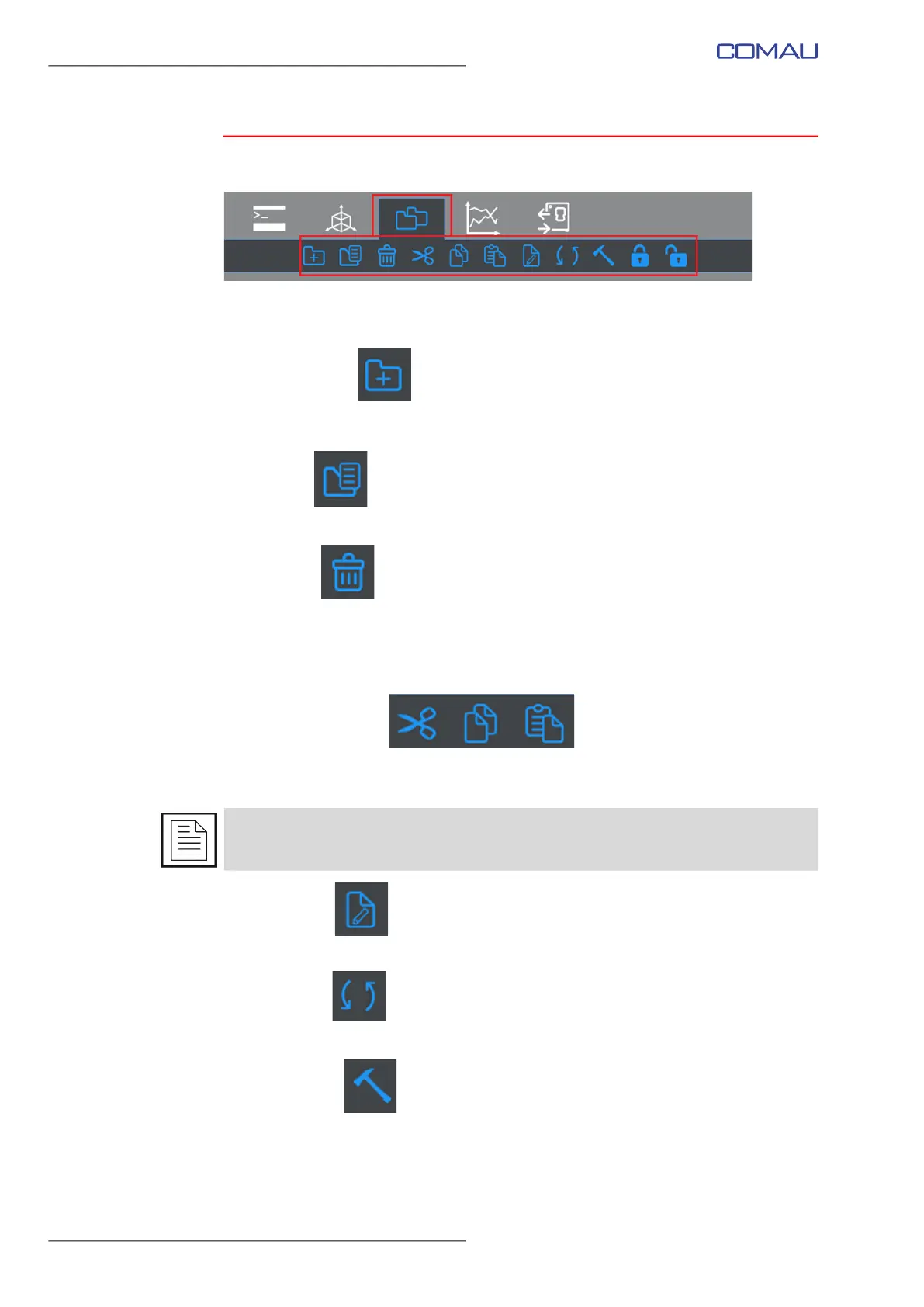
Once the environment is opened, the following contextual keys are available
(highlighted in the figure above):
– New Folder
Creates a new folder called “New_Folder”. It is up to the user assigning it the
wished name, by means of the Rename command.
– Open
Opens the selected file in the Editor environment.
– Delete
Cancels the selected element (either a folder and its subfolders or a file). The user
is prompted for confirmation before deleting. Multiple selection is allowed.
If restoring the deleted folder and its subfolders is wished, use the Paste command
(ref. Cut/Copy/Paste), selecting the destination folder.
– Cut/Copy/Paste
Allows cutting/copying/pasting one or more elements (either a folder and its
subfolders or a file). Multiple selection is allowed.
– Rename
Allows renaming the selected element (either a folder or a file).
– Refresh
Refreshes the content of the File System environment view.
– Translate
Translates the selected file. It is allowed to translate files from binary (e.g. .COD)
to ASCII or Unicode (e.g. .PDL) and viceversa (e.g. opening a .PDL file and
translate it to .COD).
Note that .C5G files are translated to .PDL files.
The user can also use the drag and drop functionality which allows to “drag” an element
(either a folder and its subfolders or a file) and “drop” it to the wished position.



 To Next Page