CONFIGURATION AND CONNECTION OF THE COMMAND INTERFACE (TABLET)
27
Comau Robotics Product Instruction
4.4 Running of the app and connection to e.DO
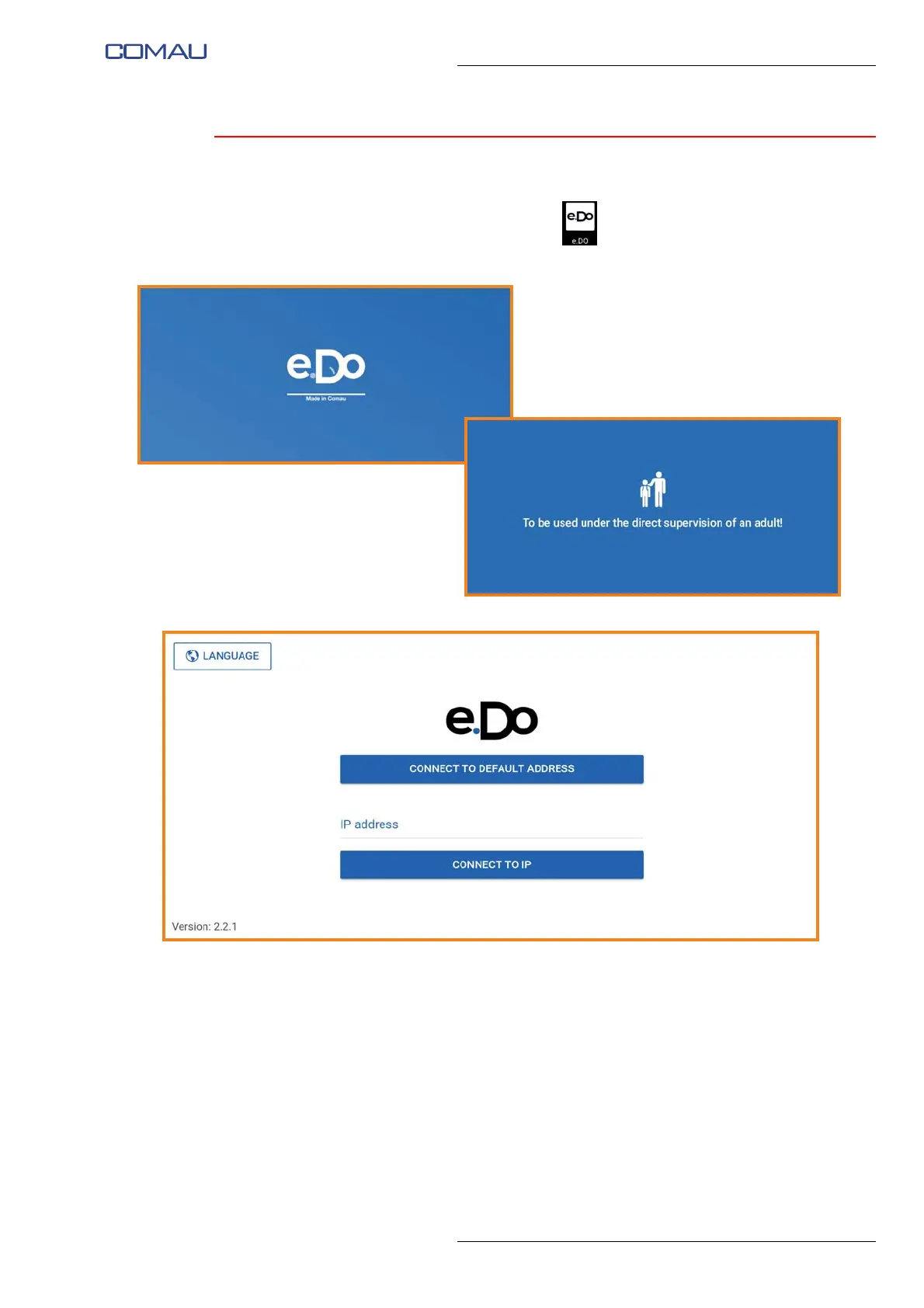
Open the e.DO app by tapping the icon .
When launched, the following screen images are displayed:
Once the app has been completely started, the following screen image appears:
Via this screen image it is possible to perform:
– Selection of interface language
– Connection to e.DO
as described below.





 To Next Page