USE OF THE “E.DO” APP
39
Comau Robotics Product Instruction
5.2 How to create a movement program
e.DO allows the user to create small movement programs, to be run in automatic mode.
The creation of a movement program is possible in the following 2 ways:
– Creating a movement program through “Projects” page;
– Creating a movement program through “Blockly”.
5.2.1 Creating a movement program through “Projects” page
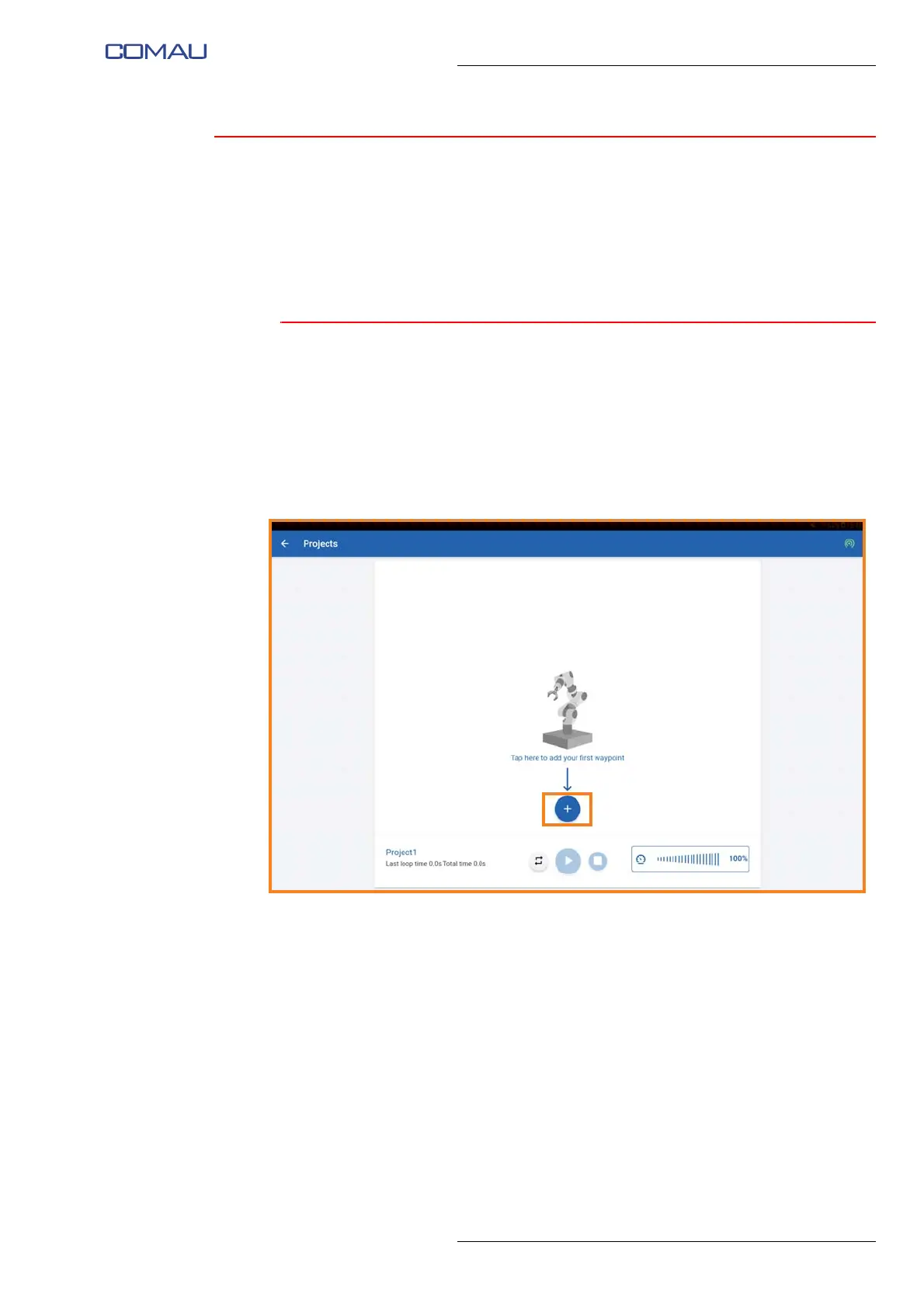
To create a movement program you need to:
– access the “Projects” page using the drop-down menu in the left area of the “Home
page”;
– create a new project, entering the desired name by means of the relevant pop-up
window that will appear at the time of the project creation;
– press “+” button to create a new point





 To Next Page