Comau Robotics Product Instruction
30
CONFIGURATION AND CONNECTION OF THE COMMAND INTERFACE (TABLET)
4.5 e.DO configuration
To start using e.DO, you need to configure it by performing the following steps:
– e.DO configuration selection
– e.DO calibration
4.5.1 e.DO configuration selection
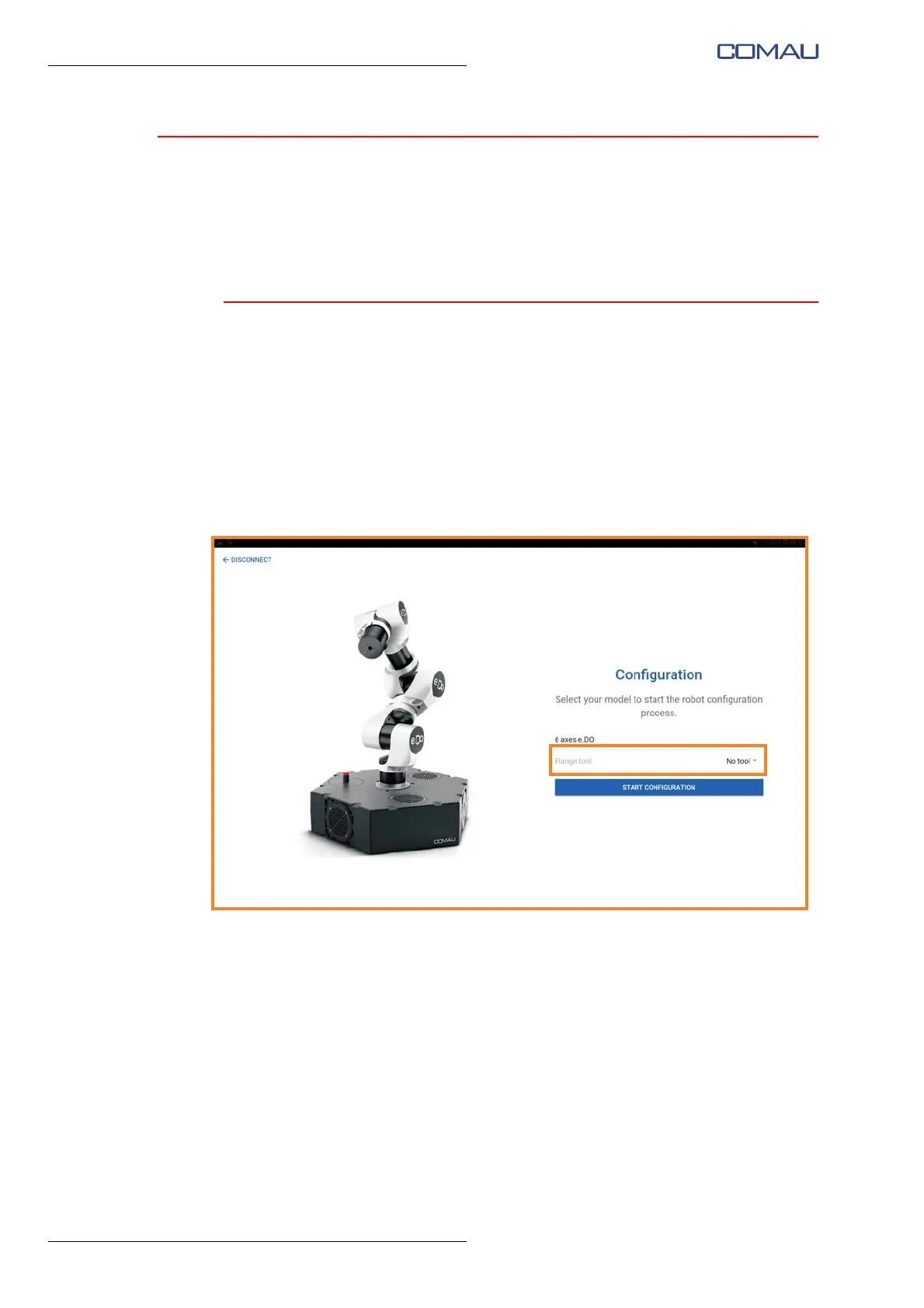
After connection of e.DO, the configuration selection page is displayed.
Through this page it is possible to select the configuration of e.DO tool, choosing one of
the available items from the drop-down menu:
- no tool
- e.DO Gripper
- Max Payload (to be used in the case where on the Robot wrist there is a tool having a
mass of 1 kg, corresponding to the maximum lifting capacity of the Robot “Payload”).
After selecting the configuration, confirm by pressing “Start configuration”; e.DO
calibration wizard will start automatically.





 To Next Page