Comau Robotics Product Instruction
42
USE OF THE “E.DO” APP
5.2.2 Creating a movement program through “Blockly”
To create a movement program through Blockly, you need to:
– access the “Blockly” page using the drop-down menu in the left area of the “Home
page”;
– press the “+” button to create a new project, entering the desired name by means
of the related pop-up window that will appear at the time of the project creation;
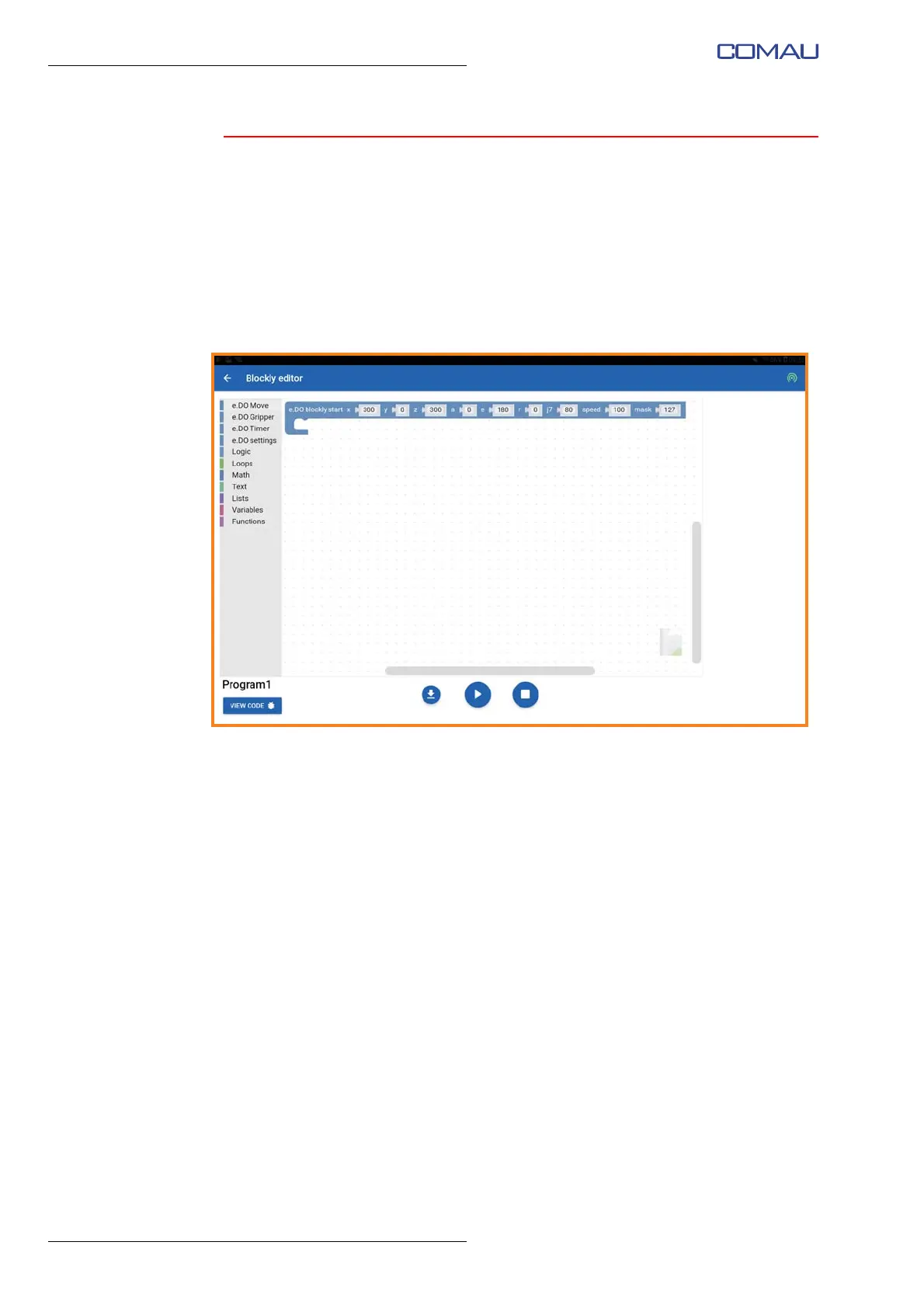
– “Blockly editor” screen image for creating the new Blockly program will open; the
first block “e.DO Blockly start” will be created automatically;





 To Next Page