USE OF THE “E.DO” APP
33
Comau Robotics Product Instruction
5.
USE OF THE “E.DO” APP
– How to move e.DO through the app
– How to create a movement program
– “Settings” Menu
– “About” Menu
5.1 How to move e.DO through the app
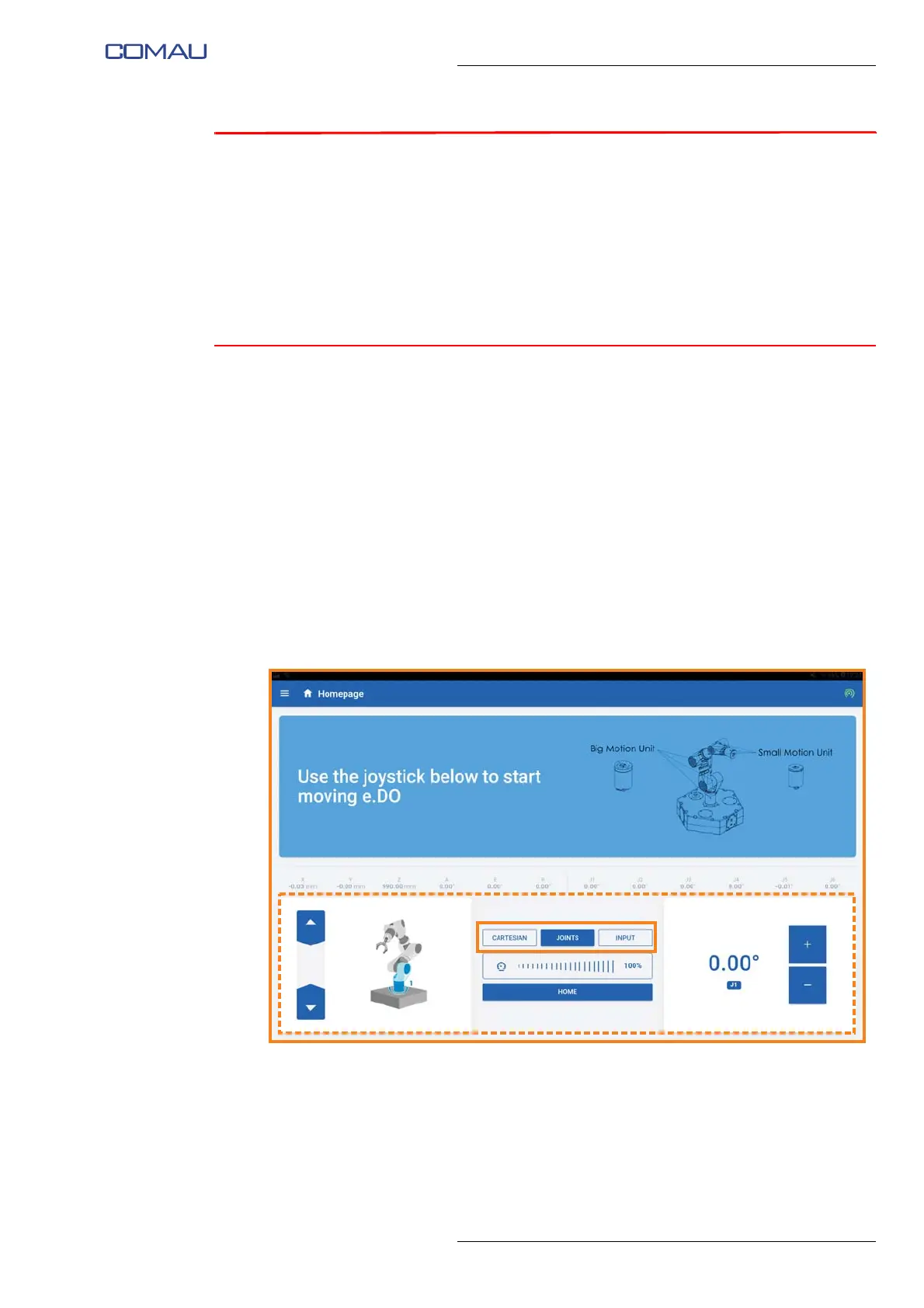
To move e.DO, it is necessary to access the Homepage of the app by selecting the
menu button at the top left, then selecting “Home” item.
The movement of e.DO through the app can be done in three different ways, described
below:
– Movement in Cartesian mode
– Movement in Joints mode
– Movement in Input mode
The movement mode can be selected by pressing one of the “Cartesian”, “Joints” or
“Input” buttons in the application homepage.
For each mode, specific information / commands will be displayed on the bottom of the
screen image (dotted area).





 To Next Page