Comau Robotics Product Instruction
32
CONFIGURATION AND CONNECTION OF THE COMMAND INTERFACE (TABLET)
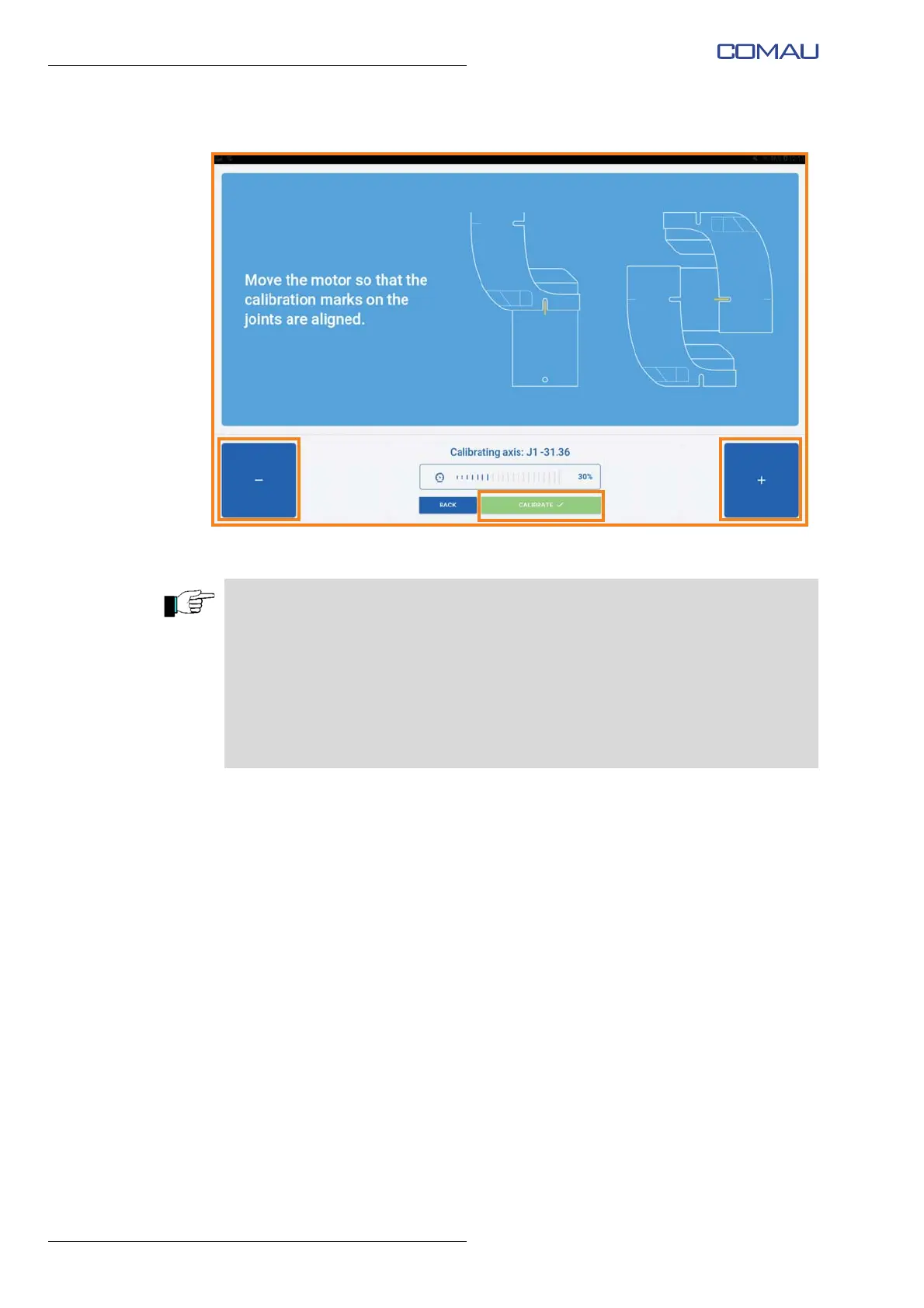
– once the correct alignment is obtained, confirm by pressing “Calibrate” button;
– repeat the calibration operations for the remaining axes of the Robot.
The e.DO calibration is required:
– after turning off e.DO, setting the main switch to the 0 - OFF position
– due to lack of electrical power supply to e.DO (for various reasons such as for
example lack of power supply directly from the electrical power mains,
disconnection of the power supply cord, etc.).
The e.DO calibration is not required:
– after pressing the emergency stop push-button
– after a collision





 To Next Page