CONFIGURATION AND CONNECTION OF THE COMMAND INTERFACE (TABLET)
29
Comau Robotics Product Instruction
4.4.2 Connection to e.DO
To connect the app to e.DO:
– connect e.DO to the power supply and switch it on, as indicated in the Robot
connection procedure described above;
– wait a few of minutes;
– open the tablet's network settings and access the “Wi-Fi” section; among the
available Wi-Fi networks, there will be a network named according to the following
syntax:
edo.wifi.SerialNumber*
– select the e.DO Wi-Fi network and make the connection; default password is
edoedoedo;
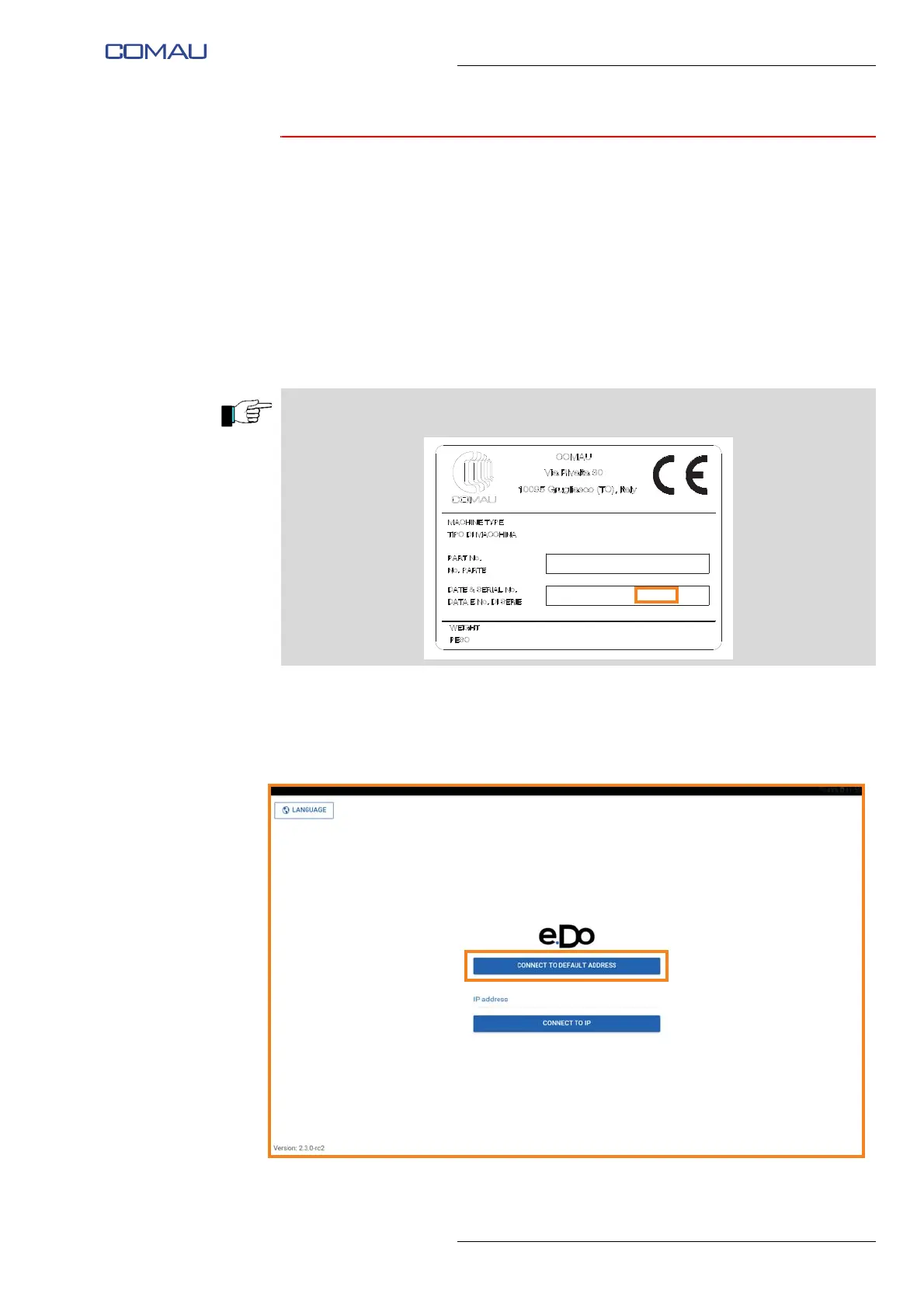
– open the e.DO app and, on the main page, click on “Connect to default address”
button.
*The e.DO Serial Number is indicated on the CE identification plate of the Robot, as
shown below:
xxx lb / xxx kg
REL. xxx
xxxx
xxxxxxxx
201x - xxxxxxx
C





 To Next Page